
Jitsi Admin Panel for meeting management
A Jitsi powered meeting platform for end to end administration of video conferencing. Unlimited hosts schedule meetings and invite participants, and admins manage users, settings and reports from one console.

Best video conference management tools
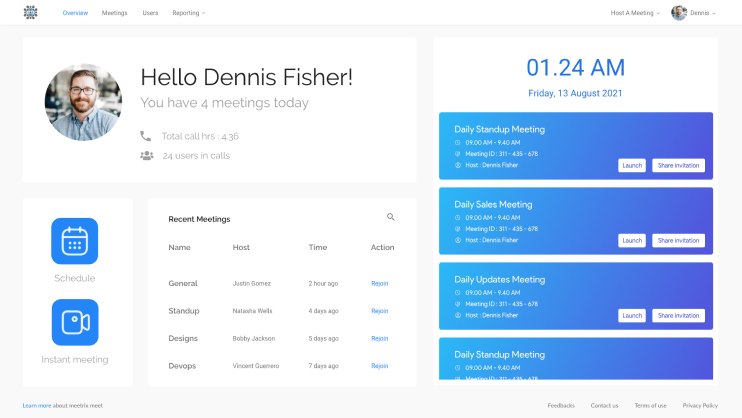
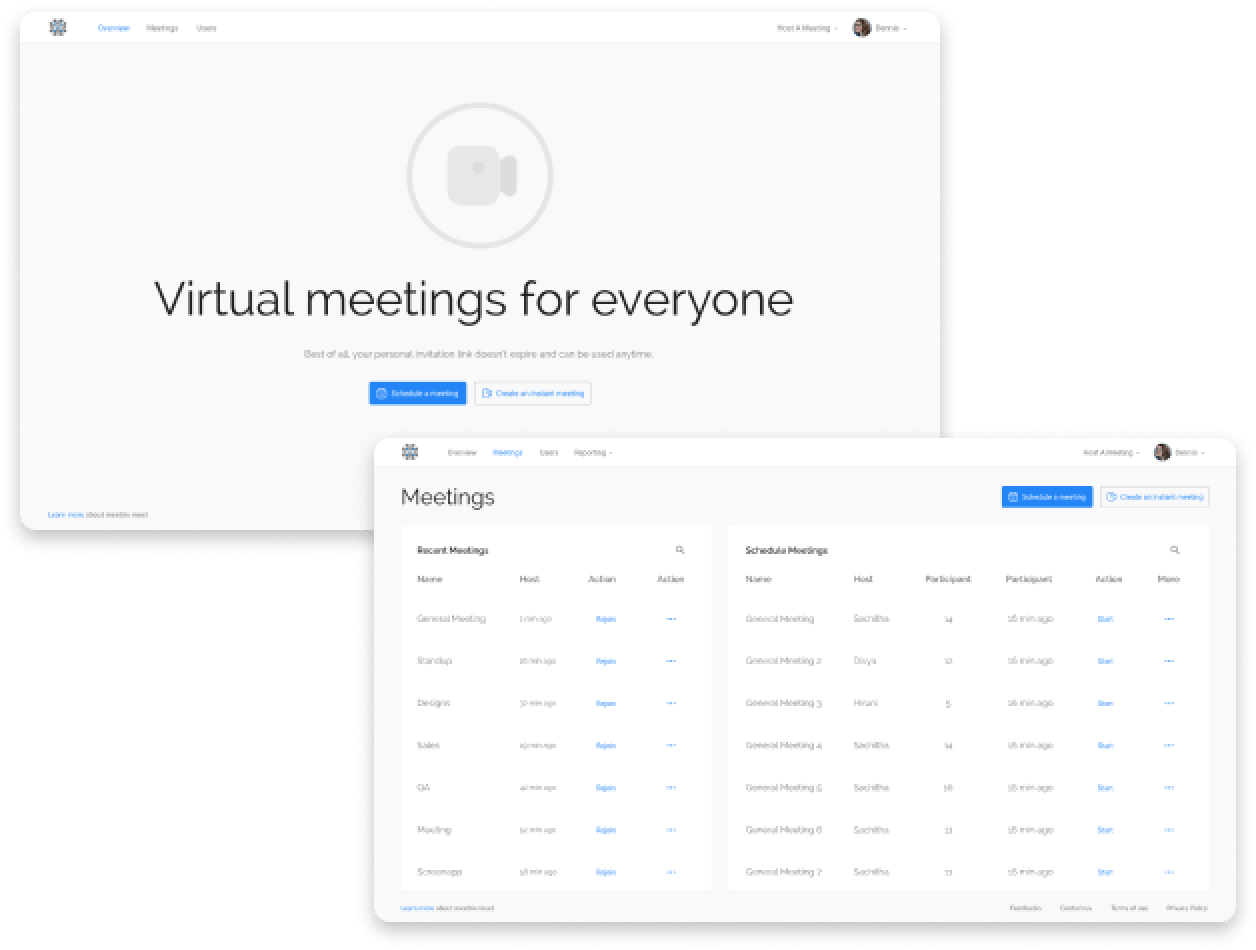
Branding and security built in, with a layout people understand on first use. From the colour scheme to the icons and where each button sits, the admin panel is designed so your hosts can start scheduling without training.
System Features

Schedule Meetings

View and Update Meetings

Fully brandable

File upload feature

Open Whiteboard

ScreenApp local recording plugin integration

Advanced reporting
Use cases
Businesses in almost every imaginable segment in services, industry, manufacturing, agriculture, retail and technology are turning to self hosted video conferencing tools over proprietary, expensive platforms. This is especially true in the Middle East, Scandinavia and other regions that take data privacy and security seriously.
Setting up in-country internet infrastructure that can meet the demands of video conferencing is taking these countries into a better, secure stage in their tele-working service provision. Jitsi is open source, updated often and secure, which makes it a strong choice for organizations and governments with this need.
The Jitsi admin panel adds what Jitsi Meet leaves out: scheduling, user management and reporting, ready to use and able to work with your other systems.
Benefits of a licensed system over a one time infrastructure only setup
-
 Maintained and supported, rest with peace of mind
 -
 Including setup of media servers, recording servers and if necessary, SIP dial in dial out services
 -
 Updates made to your system using latest Jitsi versions every few months
 -
 Much more cost effective than a one off installation
 -
 Includes the advanced meeting scheduling manager with reports, Jitsi meeting manager by Meetrix
Licensing and pricing
Every deployment is sized to your users and hosting, so we quote rather than list fixed plans. Small teams, large enterprises and CPaaS providers all get a price that fits their volume.
Jitsi admin panel FAQ
What is the Jitsi admin panel?
The Jitsi Meet Admin Panel (JMAP) is a web console on top of your own Jitsi Meet server. Admins create users, schedule meetings, manage settings and see usage reports from one place, instead of editing config files.
Can I schedule a Jitsi meeting in advance?
Yes. In the admin panel, click Schedule, enter the meeting name, date, start and end time and expected participants, then share the link. The meeting sits in your upcoming schedule until it starts.
What is the difference between Super Admin and Admin users?
There is one Super Admin with full rights, including managing other admins and platform settings such as recording permissions. Admin users create and manage meetings but have limited access to general settings.
Does the admin panel work with my existing Jitsi server?
It runs alongside a self-hosted Jitsi Meet deployment. We set it up for you, including media servers, recording servers and SIP dial-in if you need them, and keep it on current Jitsi versions.
How much does the Jitsi Meet Admin Panel cost?
Pricing depends on how many users you have and whether we host and maintain the servers. Tell us your numbers and we will send a quote. Telcos and SaaS vendors can ask about volume licensing.
Still Exploring?
Read our blogs to know more about Jitsi meeting management admin console and other services.