
Open-source publishing platform

Self-hosted Ghost CMS on AWS

Run Ghost, the open-source platform for blogs, newsletters and paid memberships, from a pre-configured AMI in your own AWS account. Your posts and subscriber list stay with you, and no platform takes a cut of your revenue.

  • Ready in 5-10 minutes
  • No revenue cut
  • No subscriber cap
Ghost publishing platform deployed on AWS by Meetrix

What is Ghost?

Ghost is an MIT-licensed publishing platform built for blogs, newsletters and membership sites. Where WordPress needs plugins for memberships and newsletters, Ghost has them built in, alongside a clean editor and built-in SEO.

What's in the Meetrix Ghost AMI

Self-hosting Ghost means Node.js, a database, Docker and SSL before you publish anything. The AMI handles that setup.

How to set up a self-hosted Ghost site

  1. Launch the stack

    Subscribe on AWS Marketplace, launch the CloudFormation stack with your domain, and wait 5-10 minutes.

  2. Point your domain at it

    Create a DNS record for your domain with the PublicIp from the stack outputs.

  3. Create the admin account

    Open your domain with /ghost on the end and enter your name, email and password.

  4. Start publishing

    Pick a theme, connect an email provider for newsletters, and write your first post.

Deploy on AWS

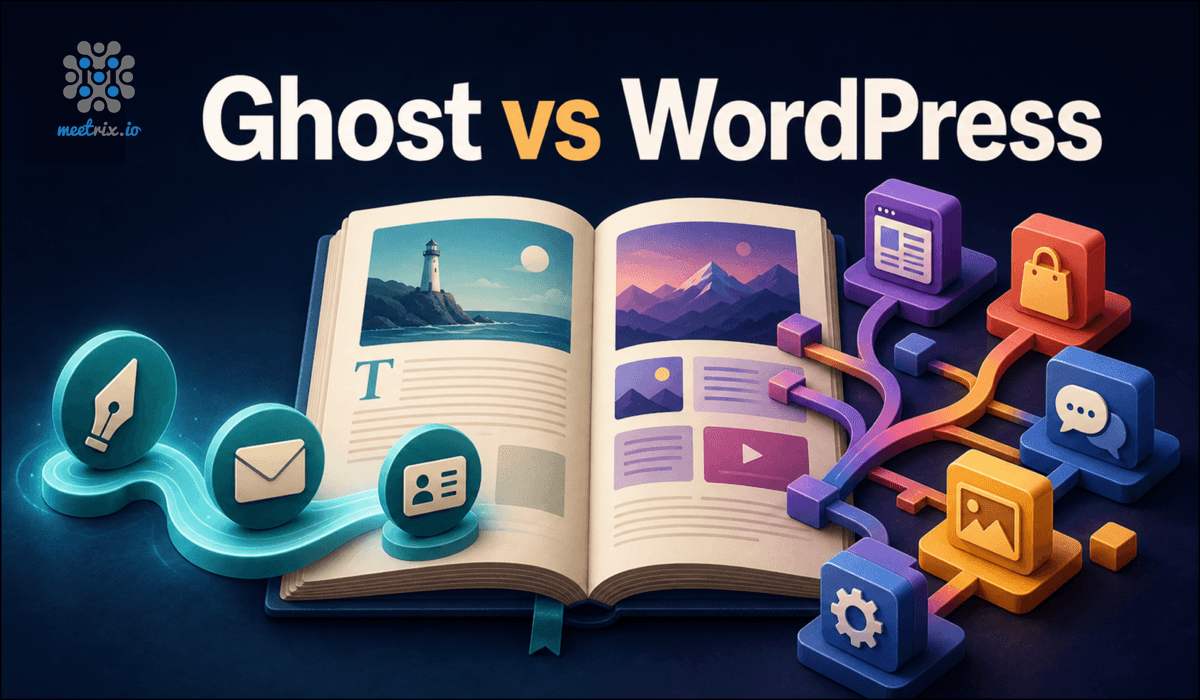
Ghost by Meetrix vs WordPress vs Substack

Ghost by MeetrixWordPress (self-hosted)Substack
HostingYour AWS accountYour own server or hostSubstack's cloud
Subscriber dataStays in your accountYours, if self-hosted correctlyHeld by Substack
Memberships and newslettersBuilt inThrough third-party pluginsBuilt in
Pricing modelAWS compute, no revenue cutHosting plus paid plugins and themes10% of paid subscriptions, plus fees

Self-hosted Ghost needs an external email provider to send newsletters. Read Ghost vs WordPress for self-hosted publishing →

Video: deploy Ghost on AWS

Ghost FAQ

What is Ghost?

An open-source publishing platform for blogs, newsletters and membership sites, with a clean editor, built-in SEO and native memberships and subscriptions.

How is Ghost different from WordPress?

WordPress is a general CMS that needs plugins for memberships, paywalls and newsletters. Ghost builds those in, with a smaller codebase and fewer plugins to patch.

How do I reach the admin panel?

Once DNS has propagated, add /ghost to your domain (for example https://your-domain.com/ghost) and create the administrator account.

Can I send newsletters?

Yes. The Ghost software is free, but a self-hosted site needs an external email provider such as Mailgun to deliver newsletters.

Can I move my WordPress or Substack content?

Yes. Ghost has built-in importers for WordPress and Substack exports. Check images and custom formatting after the import.

Which instance size should I choose?

t3.small suits most blogs and newsletters. Move to t3.medium or larger as traffic and membership grow.

Do I need to know Node.js or Docker?

No. The AMI handles Node.js, the database and Docker. Day-to-day publishing happens in the Ghost admin panel.

How do I upgrade?

Back up your content and configuration, remove the old stack and launch the newer AMI version from AWS Marketplace.

Ghost guides and articles

Need a hand with your Ghost site?

We build and run self-hosted publishing platforms every day, from migrations to newsletter delivery. Tell us what you need.

Contact us