Open-source LLM

Self-hosted Llama 3 on AWS

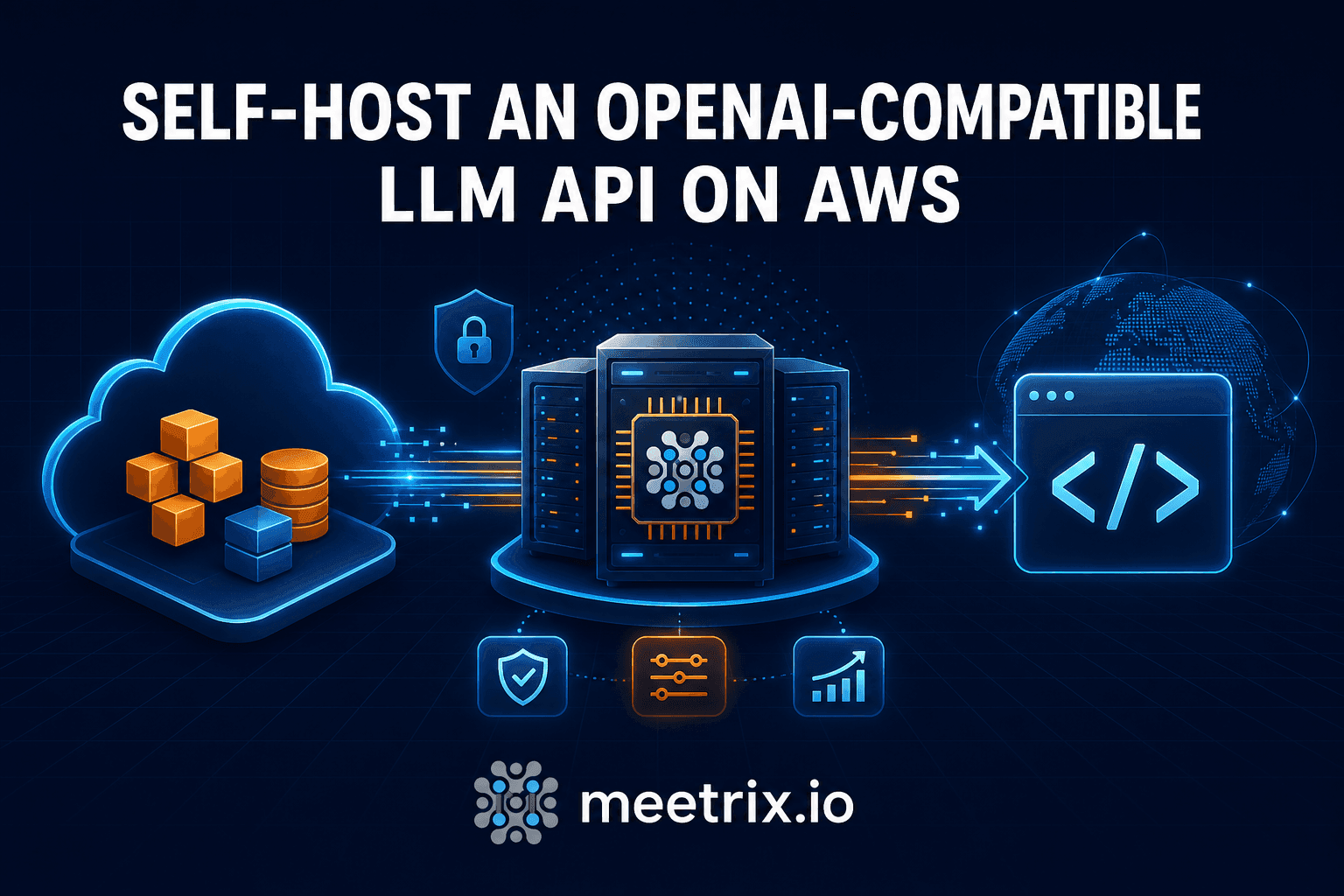
Run Meta's Llama 3, in 8B or 70B, behind an OpenAI-compatible API on a GPU instance in your own AWS account. Point your OpenAI tools at your own endpoint and keep your data private.

  • 8B and 70B models
  • OpenAI-compatible API
  • Pay per hour
Llama 3 deployed on AWS by Meetrix

What is Llama 3?

Llama 3 is Meta's open large language model family, with refined post-training and better scalability than Llama 2. It handles language understanding, translation, dialogue, reasoning and code generation.

What's in the Meetrix Llama 3 AMIs

Each AMI ships the model and an OpenAI-compatible API server on Ubuntu 22.04, ready on a g4dn GPU instance.

How to set up a self-hosted Llama 3 API

  1. Pick a size

    Choose 8B or 70B and check your account has vCPU quota for the matching g4dn instance.

  2. Launch the stack

    Subscribe on AWS Marketplace and launch the CloudFormation stack with your domain and admin email.

  3. Point your domain at it

    After 5-10 minutes, create a DNS record with the PublicIp from the stack outputs.

  4. Call the API

    Open the DashboardUrl for the API docs, then point your OpenAI client at your server.

Deploy on AWS

Llama 3 models

ModelRecommended instanceAWS
Llama 3 8Bg4dn.xlargeLaunch on AWS
Llama 3 70Bg4dn.metalLaunch on AWS

The 8B listing supports g4dn instances from xlarge up to metal.

Llama 3 API endpoints

EndpointPurpose
/v1/chat/completionsChat completions from a list of messages
/v1/completionsCompletions from a prompt
/v1/embeddingsEmbeddings for input text
/v1/modelsList available models

Switching models takes a little longer on the first response. Read the Llama 3 developer guide →

Video: deploy Llama 3 on AWS

Llama 3 FAQ

What is Llama 3?

Meta's large language model family with improved post-training, for understanding, translation, dialogue, reasoning and code generation.

Which size should I choose?

8B on g4dn.xlarge for lower cost; 70B on g4dn.metal for more capable output.

How do I switch models?

Call /v1/models, copy the id you want and use it as the model value in your request. The first response after a switch is slower.

What if the Llama service hangs?

SSH in and run sudo systemctl restart llama.service, wait a few minutes and reload the dashboard.

Is it compatible with the OpenAI API?

Yes. OpenAI SDKs work with your server as the base URL.

What if SSL does not set up automatically?

SSH in and run sudo /root/certificate_generate_standalone.sh with your admin email.

How do I upgrade?

Back up your server data, remove the old stack and launch the new version from AWS Marketplace.
Llama guides and articles

Need a hand with Llama?

We build and run self-hosted AI infrastructure every day, from model selection to GPU sizing. Tell us what you need.

Contact us