Open-source Slack alternative

Self-hosted Mattermost team chat on AWS

Run Mattermost, the self-hosted team collaboration platform built for developers and security-conscious teams, from a pre-configured AMI in your own AWS account. Your messages and files stay on your infrastructure.

  • Ready in 5-10 minutes
  • MIT-licensed Team Edition
  • Runs in your own account
Mattermost team chat deployed on AWS by Meetrix

What is Mattermost?

Mattermost is an open-source team collaboration platform and a self-hosted alternative to Slack. Its Team Edition is MIT licensed, and it focuses on internal team communication with deep integrations for developer workflows.

What's in the Meetrix Mattermost AMI

The AMI ships Mattermost ready for its first admin account, with SSL handled at launch.

How to set up a self-hosted Mattermost server

  1. Launch the stack

    Subscribe on AWS Marketplace and launch the CloudFormation stack with your domain. Allow 5-10 minutes.

  2. Point your domain at it

    Create a DNS record with the PublicIp from the stack outputs. Real-time messaging needs the domain, not the IP.

  3. Create the admin account

    Open the DashboardUrl and create the administrator account with a strong password.

  4. Invite your team

    Create your team and channels, then invite members from the admin panel.

Deploy on AWS

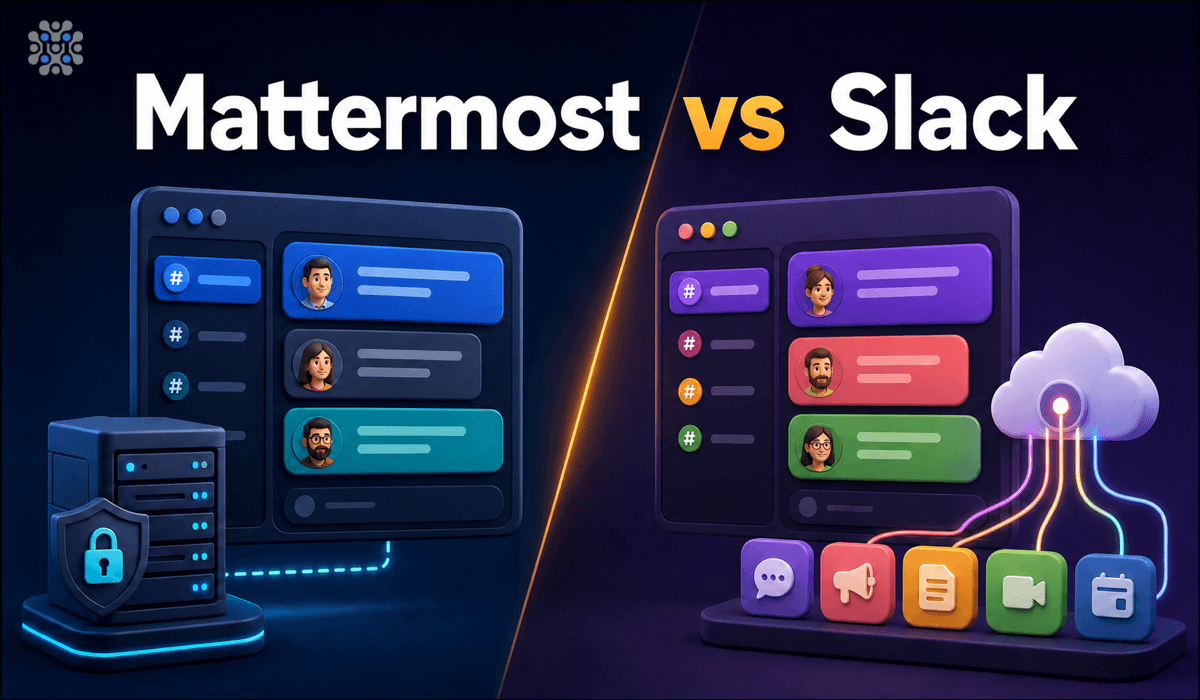
Mattermost vs Slack

MattermostSlack
Self-hostableYes, the default modelNo, SaaS only
Free tierTeam Edition, no SSOFree plan with a 90-day message history cap
LicenceMIT (Team Edition)Proprietary
Data exportFull, it is your own databaseDepends on plan

Moving from Slack is possible with Mattermost's mmetl tool, but plan it as a migration project. Read Mattermost vs Slack →

Video: deploy Mattermost on AWS

Mattermost FAQ

What is Mattermost?

An open-source team collaboration platform and a self-hosted alternative to Slack, with an MIT-licensed Team Edition.

Is there a self-hosted Slack?

No. Slack is SaaS only. If chat data has to stay on your infrastructure, Mattermost is a common choice.

How do I create the admin account?

Open the DashboardUrl from the stack outputs and fill in the account form. That account manages the whole workspace.

Why do messages only appear after a refresh?

That is a WebSocket problem. Point DNS at the server and use the domain name instead of the IP address.

Can I customise themes and plugins?

Yes. You have full admin access to add themes, plugins and integrations.

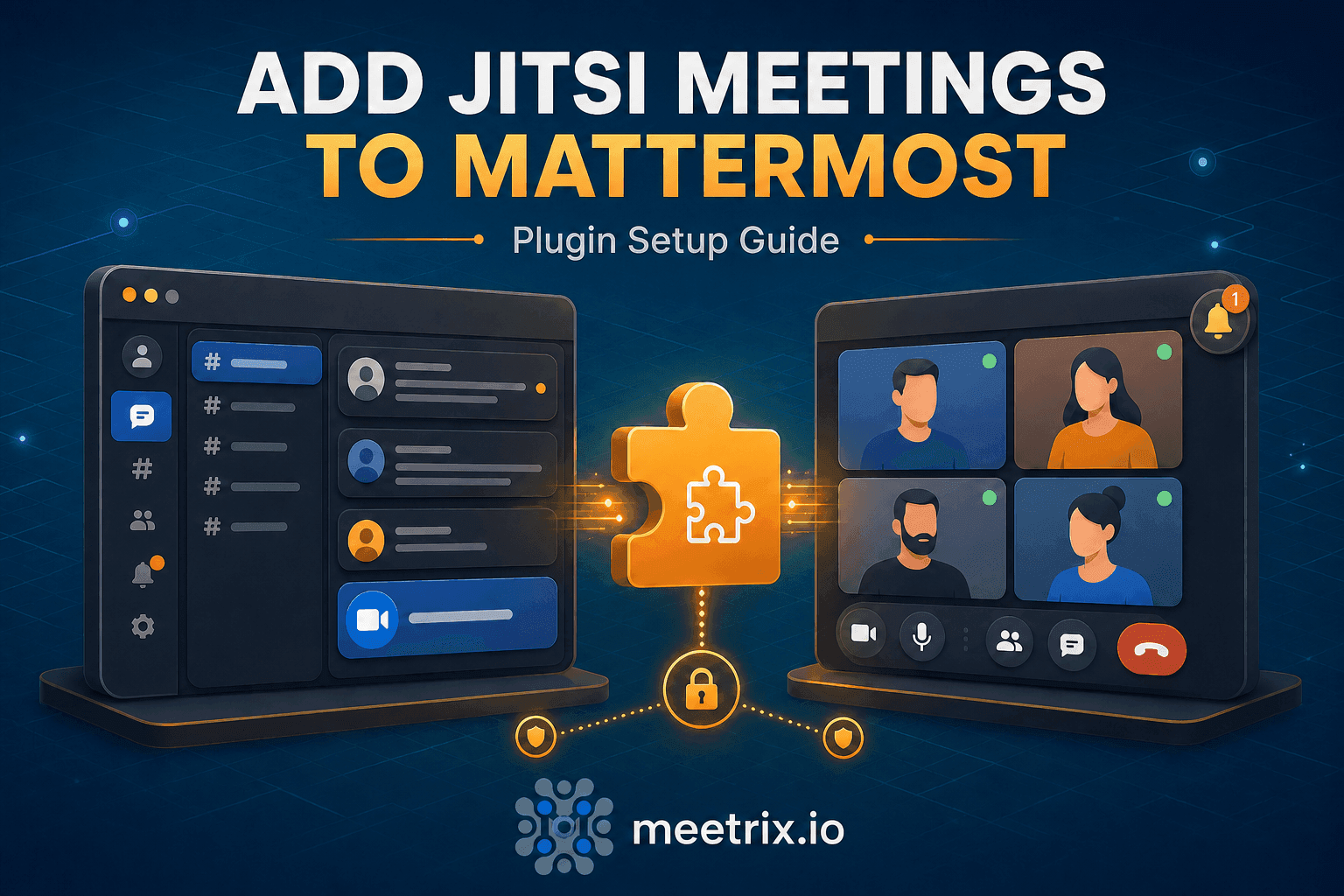
Can I add Jitsi video calls?

Yes, with the Mattermost Jitsi plugin, installed manually from its GitHub releases and pointed at your own Jitsi server.

Which instance size should I choose?

t3.small is the recommended starting point. Resize as your team grows.

How do I upgrade?

Back up your server data, remove the old stack and launch the new version from AWS Marketplace.
Mattermost guides and articles

Need a hand with Mattermost?

We build and run self-hosted collaboration tools every day, from Slack migrations to video integrations. Tell us what you need.

Contact us