
Self-hosted MongoDB Atlas alternative

Self-hosted MongoDB with S3 backups on AWS

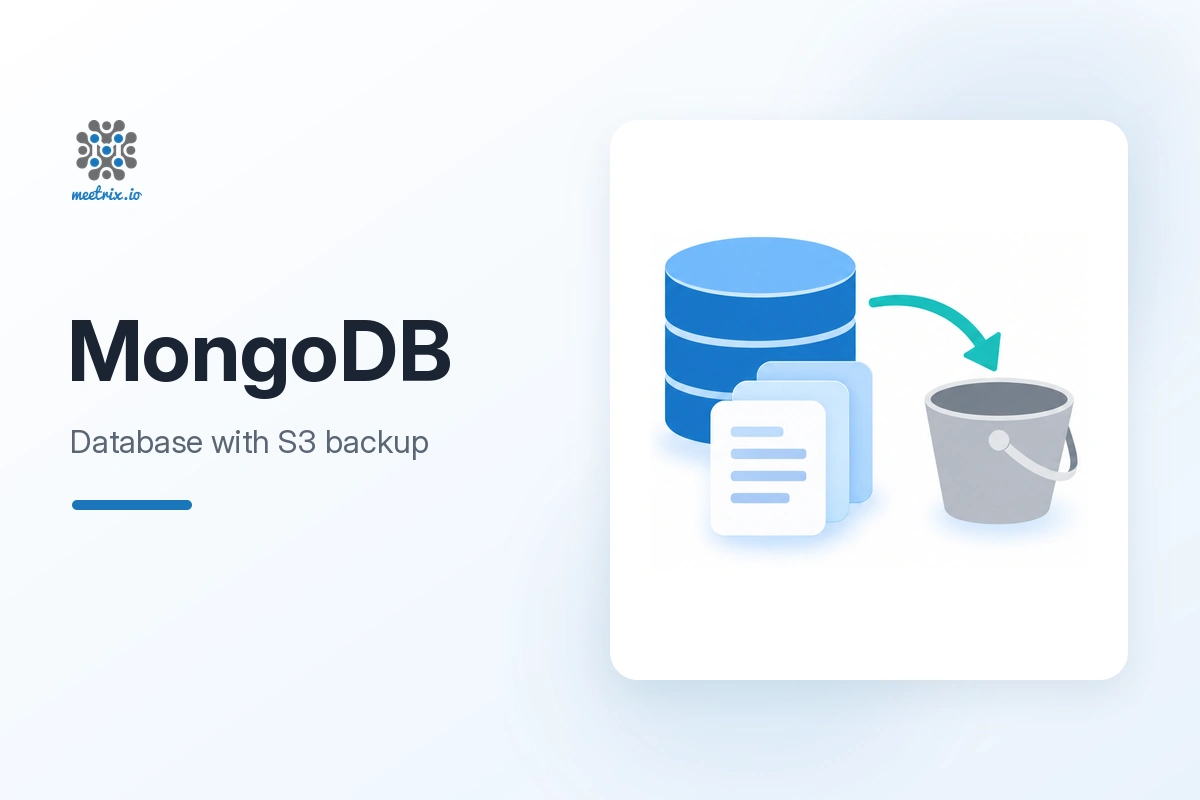
Run MongoDB on an EC2 instance in your own AWS account, with your database, user and automated daily backups to S3 set up at launch. You pay for infrastructure, not a managed per-node margin.

  • Ready in 5-10 minutes
  • Daily backups to S3
  • Runs in your own account
MongoDB database server with S3 backups on AWS by Meetrix

What is MongoDB?

MongoDB is the leading document-oriented NoSQL database. It stores data as flexible BSON documents instead of fixed tables, which suits applications whose data shape changes often.

What's in the Meetrix MongoDB AMI

The AMI ships MongoDB configured from your stack parameters, with backups already scheduled.

How to set up a self-hosted MongoDB server

  1. Create an S3 bucket

    Make an S3 bucket in your account for the database backups.

  2. Launch the stack

    Subscribe on AWS Marketplace and launch the stack with your database name, user, password and bucket.

  3. Restrict access

    Limit DatabaseSSHLocation and SSHLocation to your own IP ranges instead of 0.0.0.0/0.

  4. Connect

    After 5-10 minutes, connect to the PublicIp on port 27017 with your user and password, for example from MongoDB Compass.

Deploy on AWS

MongoDB server ports

Restrict both ports to the IP ranges that need them.

ServicePortsProtocol
MongoDB27017TCP
SSH (administration)22TCP

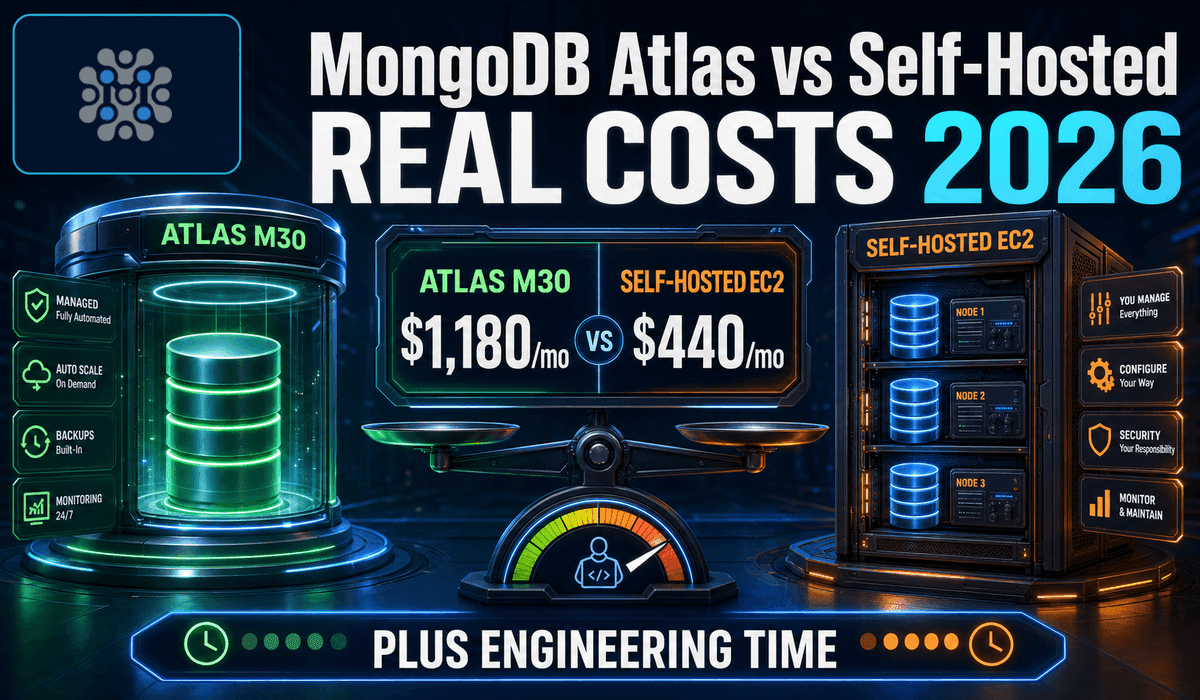
MongoDB Atlas vs self-hosted MongoDB on EC2

MongoDB AtlasSelf-hosted on EC2
PricingUsage-based, per cluster tierEC2 and storage costs
BackupsAutomated, billed separatelyDaily to S3 with the Meetrix AMI
Patching and upgradesFully managedYour responsibility
Compliance attestationsIncluded by AtlasYou own the audit evidence

Self-hosting is cheaper on infrastructure, but count the engineering time it takes. Read MongoDB Atlas vs self-hosted →

Video: deploy MongoDB on AWS

MongoDB FAQ

How do I connect to MongoDB?

Use the PublicIp from the stack outputs, port 27017, and the database user, password and name you set when creating the stack.

How are backups handled?

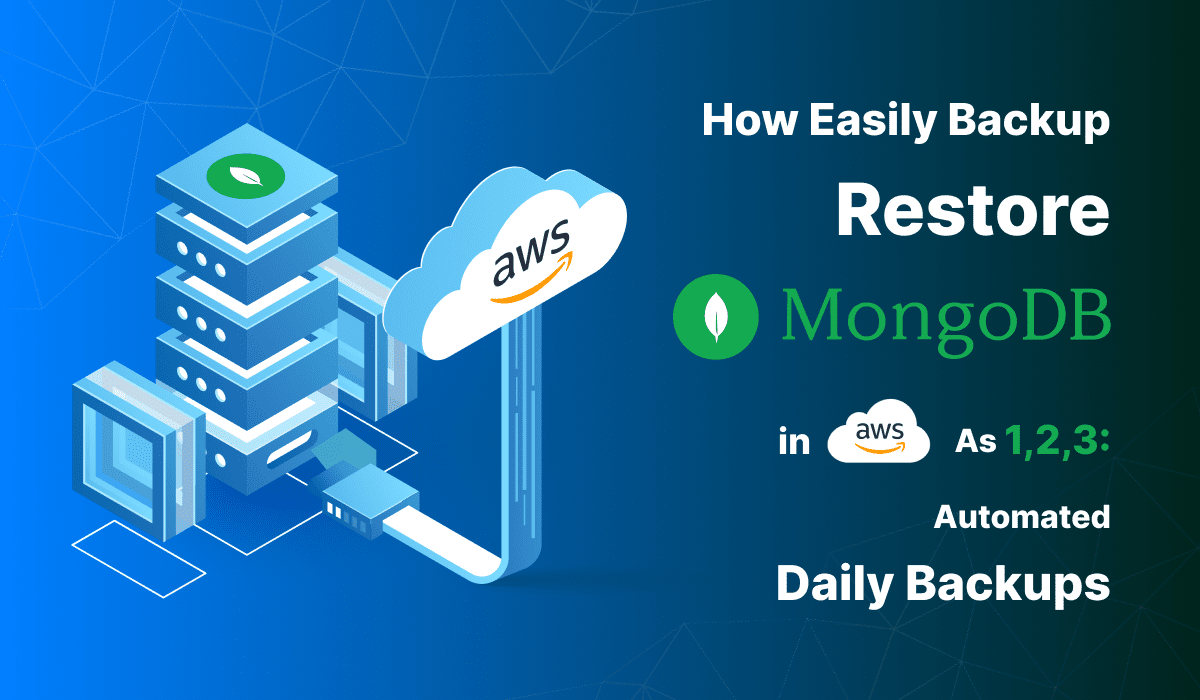
Automated daily backups go to the S3 bucket you choose at launch. You can also use standard MongoDB backup tools for manual backups.

Is self-hosting cheaper than MongoDB Atlas?

On infrastructure, usually. But patching, monitoring and backup testing become your job, so include that time in the comparison.

Should I leave access open to 0.0.0.0/0?

No. Restrict the database and SSH source ranges to the addresses that need them.

Which instance size should I choose?

t3.small is the recommended starting point. Size up with your data and workload.

What if I hit a vCPU quota error?

Request a quota increase in the AWS Service Quotas console, then launch again.

How do I upgrade?

Back up your data, launch the stack with the new AMI version, and restore from the backup.

MongoDB guides and articles

Need a hand with MongoDB?

We build and run self-hosted databases every day, from backup strategy to replica sets. Tell us what you need.

Contact us