Open-source no-code platform

Self-hosted NocoBase no-code platform on AWS and Google Cloud

Run NocoBase from a pre-configured image and build internal tools, CRMs and admin panels on your own database. A self-hosted alternative to Airtable and Retool, with no per-seat fees and no record caps.

  • Ready in 5-10 minutes
  • Automatic SSL
  • No per-seat fees
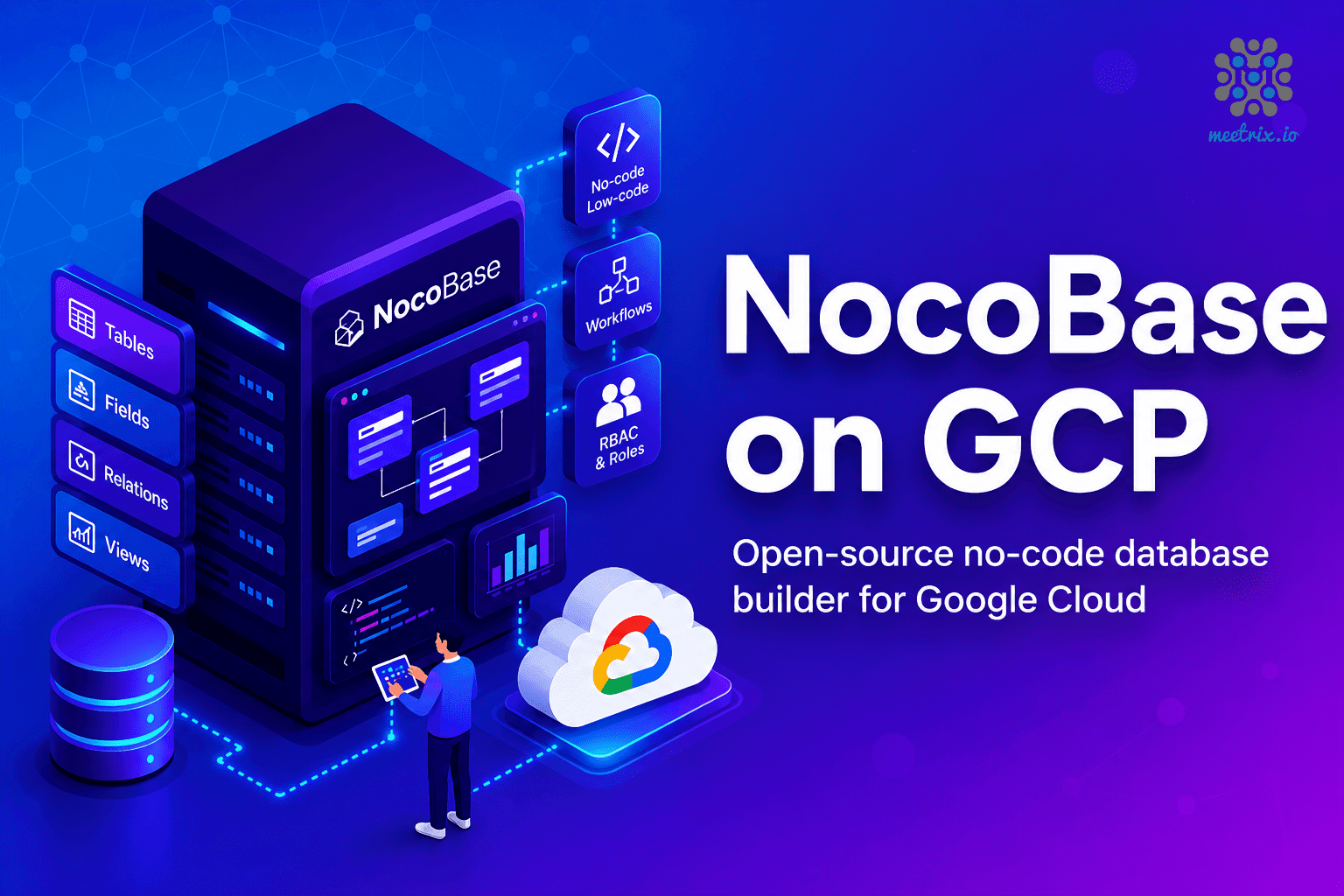
NocoBase no-code platform deployed on Google Cloud by Meetrix

What is NocoBase?

NocoBase is an open-source, self-hosted no-code platform that turns a relational database into tables, forms, dashboards and workflows without writing code. Teams use it for CRMs, project trackers, inventory systems, approval flows and admin panels, anything you would otherwise pay an engineer to build as a CRUD app.

What's in the Meetrix NocoBase image

A manual NocoBase install means Docker, a database, a reverse proxy and SSL certificates before anyone can build a table. The marketplace image automates all of it.

How to set up a self-hosted NocoBase server

  1. Launch the server

    Subscribe on AWS Marketplace or Google Cloud Marketplace, enter your domain and admin email, and deploy. The stack is ready in about 5-10 minutes.

  2. Point your domain at it

    Create a DNS A record for your NocoBase domain with the server's public IP, so the certificate can be issued.

  3. Create the admin account

    Open your domain or the DashboardUrl. The first account becomes the super admin, and everyone else is added from the admin panel.

  4. Build your first tool

    Create collections, import a spreadsheet, and add forms, views and workflows for your team.

Choose your cloud

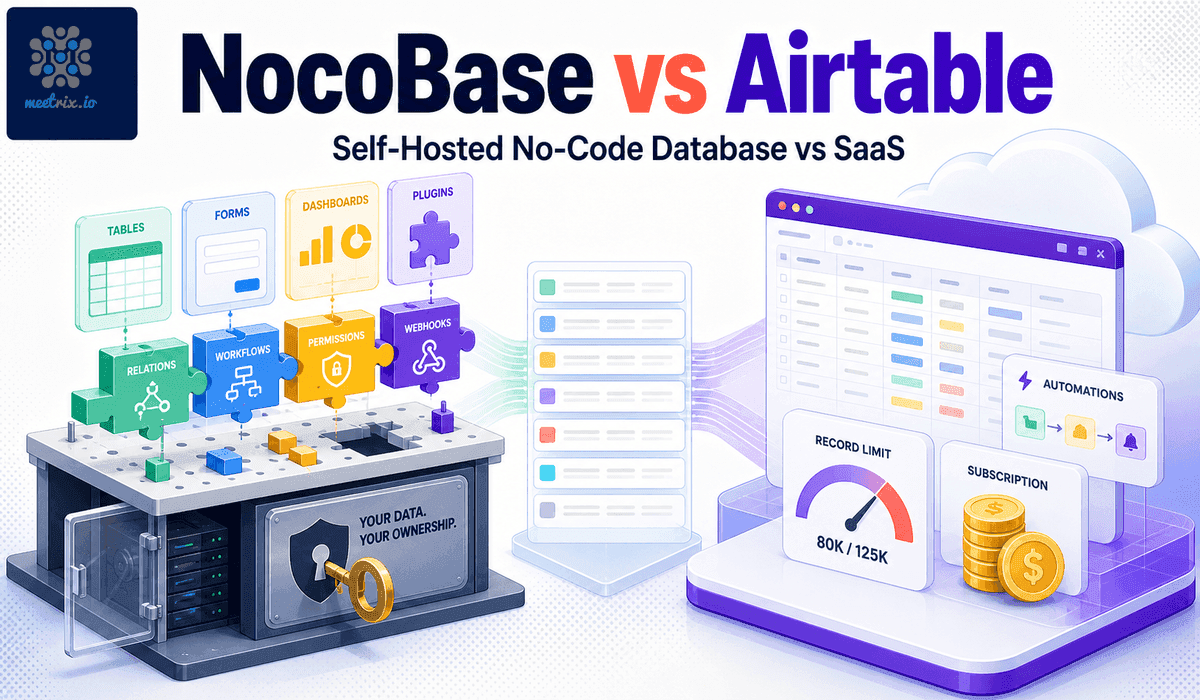
NocoBase by Meetrix vs Airtable vs Retool

NocoBase by MeetrixAirtableRetool
HostingYour AWS account or GCP projectAirtable's cloud, no self-host optionRetool's cloud, or self-hosted on Enterprise plans
Data controlData stays in your own databaseStored on Airtable's infrastructureDepends on plan and deployment model
Pricing modelCloud compute only, no per-seat feePer-seat subscriptionPer-user subscription
Record limitsNone1,000 records per base on the free planDepends on plan

NocoBase Community Edition is licensed under Apache-2.0. Read the full NocoBase vs Airtable comparison →

Video: deploy NocoBase on AWS

NocoBase FAQ

What is NocoBase used for?

NocoBase turns a relational database into tables, forms, dashboards and automated workflows without code. Teams use it to build internal tools, CRMs and admin panels on their own infrastructure.

Is NocoBase free?

The Community Edition is free and licensed under Apache-2.0. A paid Commercial licence is only needed to remove branding or unlock advanced features such as audit logs. On AWS or Google Cloud you pay for the server, plus any Meetrix software fee shown on the marketplace listing.

How is NocoBase different from Airtable?

Airtable is hosted SaaS, priced by seat with record limits per plan. NocoBase runs on infrastructure you control, with no per-seat fee and no record cap.

Do I need to know how to code?

No. Tables, forms and views are built with drag and drop. Custom plugins are available if you want to go further.

Can I bring my existing data?

Yes. Import spreadsheets and CSV files through the UI, or connect NocoBase to PostgreSQL, MySQL or MariaDB.

Which machine size should I choose?

t3.small on AWS for development and testing, and t3.medium or larger for production. On Google Cloud, the default e2-medium (2 vCPU, 4 GB memory) suits small teams.

Can I use my own domain?

Yes. Enter it at deployment and point a DNS A record at the server. The image requests a Let's Encrypt certificate that renews automatically.

How do I upgrade?

When a new version is published on the marketplace, back up your server data, remove the old deployment and launch the new version.

NocoBase guides and articles

Need a hand with your NocoBase server?

We build and run self-hosted platforms for teams every day, from data migration to custom plugins. Tell us what you need.

Contact us