
Open-source ERP suite

Self-hosted Odoo ERP on AWS

Run Odoo, the modular ERP and CRM platform, from a pre-configured AMI in your own AWS account. Manage sales, inventory, accounting, HR and more, and add apps as your business needs them.

  • Ready in 5-10 minutes
  • Modular apps
  • Runs in your own account
Odoo ERP deployed on AWS by Meetrix

What is Odoo?

Odoo is a modular ERP platform with the largest ecosystem among open-source ERPs. You start with the apps you need, such as sales, inventory or accounting, and switch on more as you grow.

What's in the Meetrix Odoo AMI

The AMI ships Odoo with its database and web server, ready for the first admin account.

How to set up a self-hosted Odoo server

  1. Launch the stack

    Subscribe on AWS Marketplace and launch the CloudFormation stack. Allow 5-10 minutes.

  2. Point your domain at it

    Create a DNS record with the PublicIp from the stack outputs.

  3. Create the admin account

    Open the DashboardUrl, fill in the form and sign in with the credentials you created.

  4. Configure your company

    In Settings, add company details, users and access rights, and activate the apps you need.

Deploy on AWS

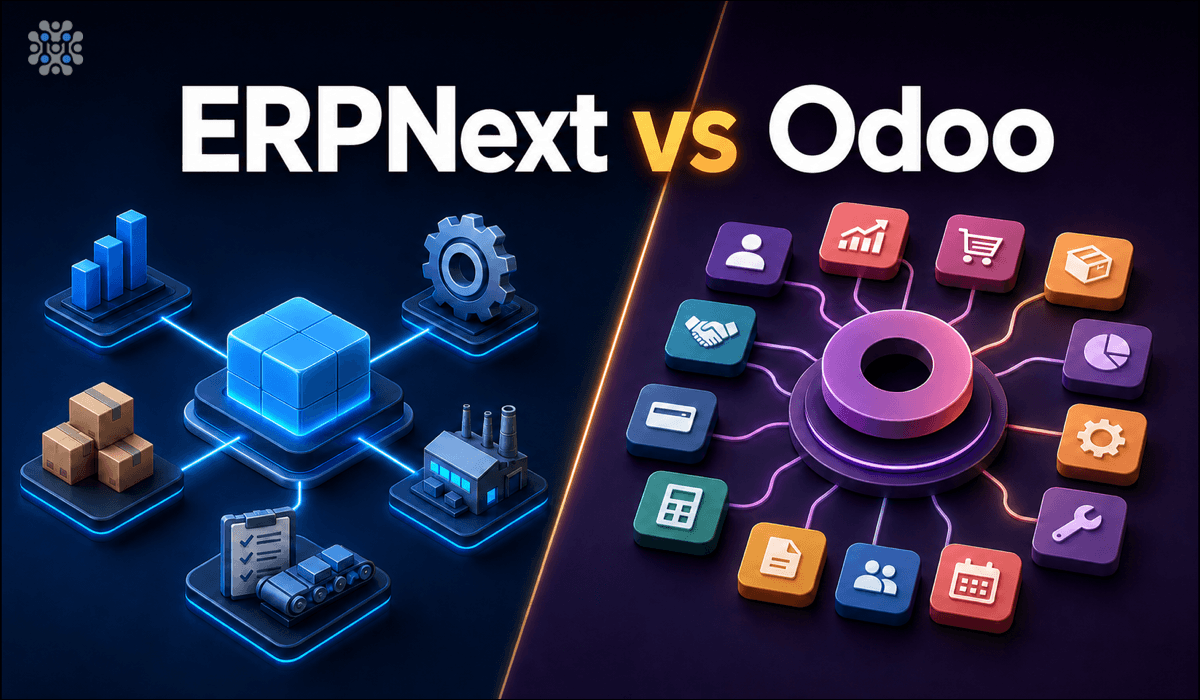
Odoo vs ERPNext

OdooERPNext
LicenceLGPLv3 Community plus paid EnterpriseGPLv3, one edition
Official apps50+Core ERP modules
Third-party marketplaceLarge, over a decade oldSmaller
Full accountingEnterprise onlyFree, included

The Odoo Community Association maintains free modules that fill many Community gaps. Read ERPNext vs Odoo →

Video: deploy Odoo on AWS

Odoo FAQ

What is Odoo?

A modular ERP platform for sales, inventory, accounting, HR and more, with a large app ecosystem.

How do I create the admin account?

Open the DashboardUrl from the stack outputs and complete the form. Further users are managed from Odoo Settings.

Can I install third-party apps?

Yes. You have full admin access to install compatible apps from the Odoo App Store or your own modules.

Odoo or ERPNext?

Odoo for a broad app catalogue and consultant ecosystem. ERPNext if you want full accounting and manufacturing free in one edition.

How do I check the logs?

SSH in, run sudo docker ps, then sudo docker logs with the container name.

Which instance size should I choose?

t3.small is the recommended starting point. Scale up for more users.

How do I upgrade?

Back up your server data, remove the old stack and launch the new version from AWS Marketplace.

Odoo guides and articles

Need a hand with Odoo?

We build and run self-hosted business systems every day, from module setup to scaling. Tell us what you need.

Contact us