Self-hosted ChatGPT-style UI

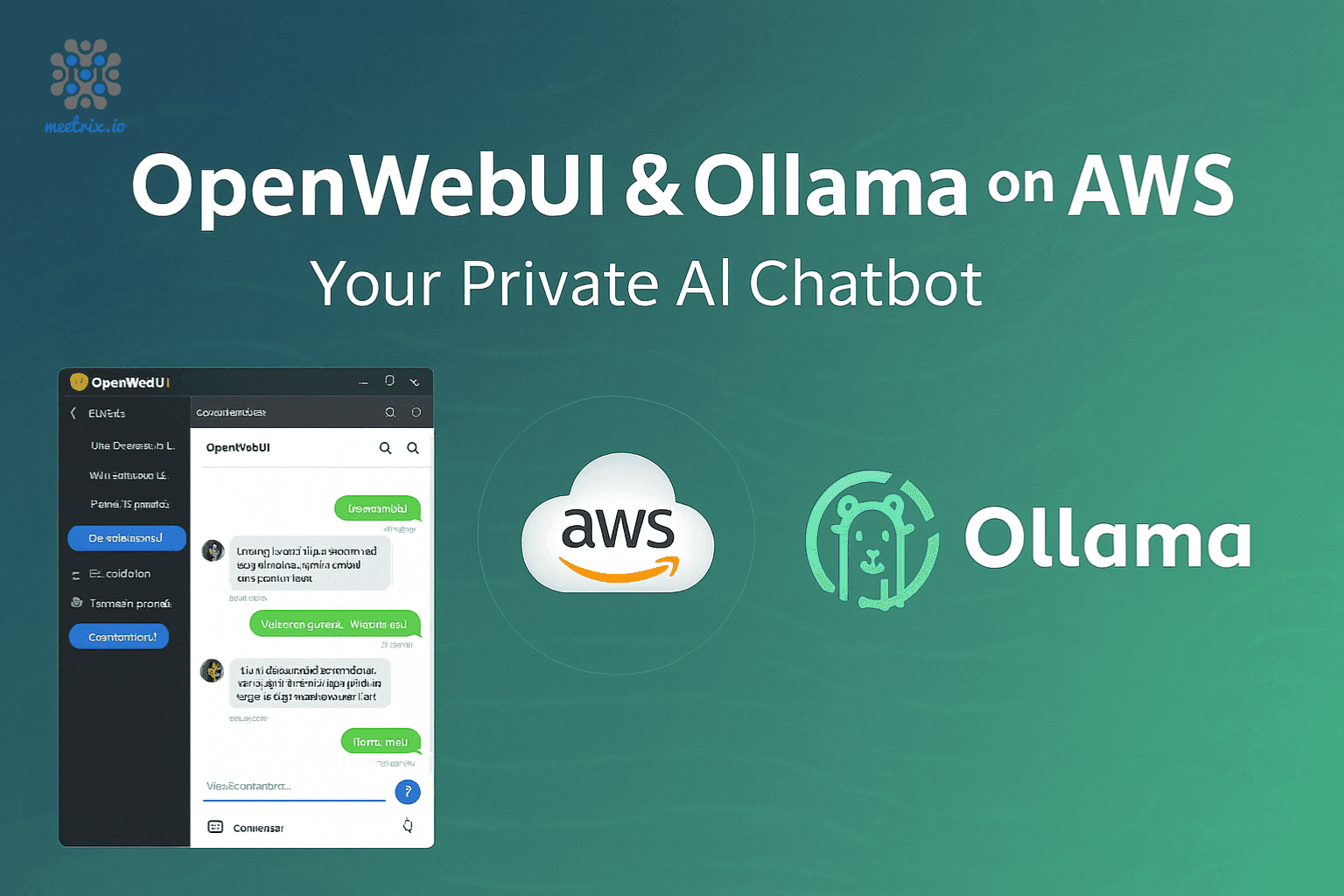
Self-hosted OpenWebUI with Ollama on AWS

Give your team a private AI assistant with OpenWebUI and Ollama, running from a pre-configured AMI in your own AWS account. Chat with local or remote models while your prompts and documents stay on your infrastructure.

  • Ready in 5-10 minutes
  • Local models with Ollama
  • Runs in your own account
OpenWebUI with Ollama deployed on AWS by Meetrix

What are OpenWebUI and Ollama?

OpenWebUI is a team-friendly chat interface for large language models, and Ollama runs open models such as Llama, Mistral and Gemma locally. Together they give you a ChatGPT-style assistant you host yourself, with remote providers available too.

What's in the Meetrix OpenWebUI AMI

The AMI ships OpenWebUI and Ollama wired together, ready for the first admin account.

How to set up a self-hosted OpenWebUI server

  1. Launch the stack

    Subscribe on AWS Marketplace and launch the CloudFormation stack with your domain and admin email.

  2. Point your domain at it

    After 5-10 minutes, create a DNS record with the PublicIp from the stack outputs.

  3. Create the admin account

    Open the DashboardUrl and create the admin account with a strong password.

  4. Pick a model and invite your team

    Pull or connect a model, then add team members from the admin panel.

Deploy on AWS

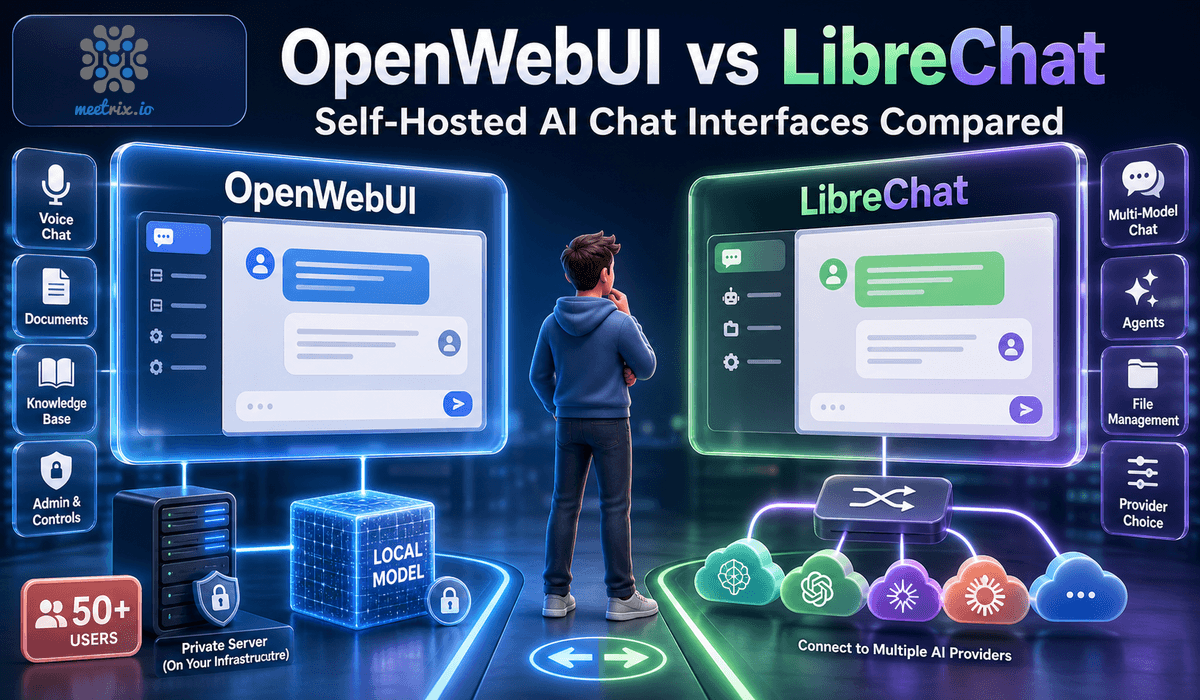
OpenWebUI vs LibreChat

OpenWebUILibreChat
LicenceOpen WebUI License (since April 2025)MIT
Branding requirementYes, at 50+ usersNone
Ollama integrationDeep, nativeThrough the OpenAI-compatible API
Built-in RAGYesThrough configuration
Providers out of the boxOllama and OpenAI-compatibleOpenAI, Anthropic, Gemini, Bedrock and more

OpenWebUI is source-available rather than OSI-approved open source. Read OpenWebUI vs LibreChat →

Video: deploy OpenWebUI with Ollama on AWS

OpenWebUI FAQ

Which models can I use?

Local open models through Ollama, such as Llama, Mistral and Gemma, and remote models through compatible providers.

Is OpenWebUI open source?

It is source-available. Since April 2025 it uses the Open WebUI License, which requires keeping its branding once a deployment reaches 50 or more users.

How do I create the admin account?

Open the DashboardUrl from the stack outputs and fill in the form. Later accounts are created from the admin panel.

Can I run it in a private VPC?

Yes. It works with standard AWS VPC setups, including isolated environments.

Which instance size should I choose?

t3.medium or larger. Larger local models need more memory and CPU.

Is my data private?

Conversations and documents stay on your instance. Anything you send to a remote model provider goes to that provider.

How do I upgrade?

Back up your server data, remove the old stack and launch the new version from AWS Marketplace.
OpenWebUI guides and articles

Need a hand with OpenWebUI?

We build and run self-hosted AI infrastructure every day, from model selection to RAG. Tell us what you need.

Contact us