
Open-source relational database

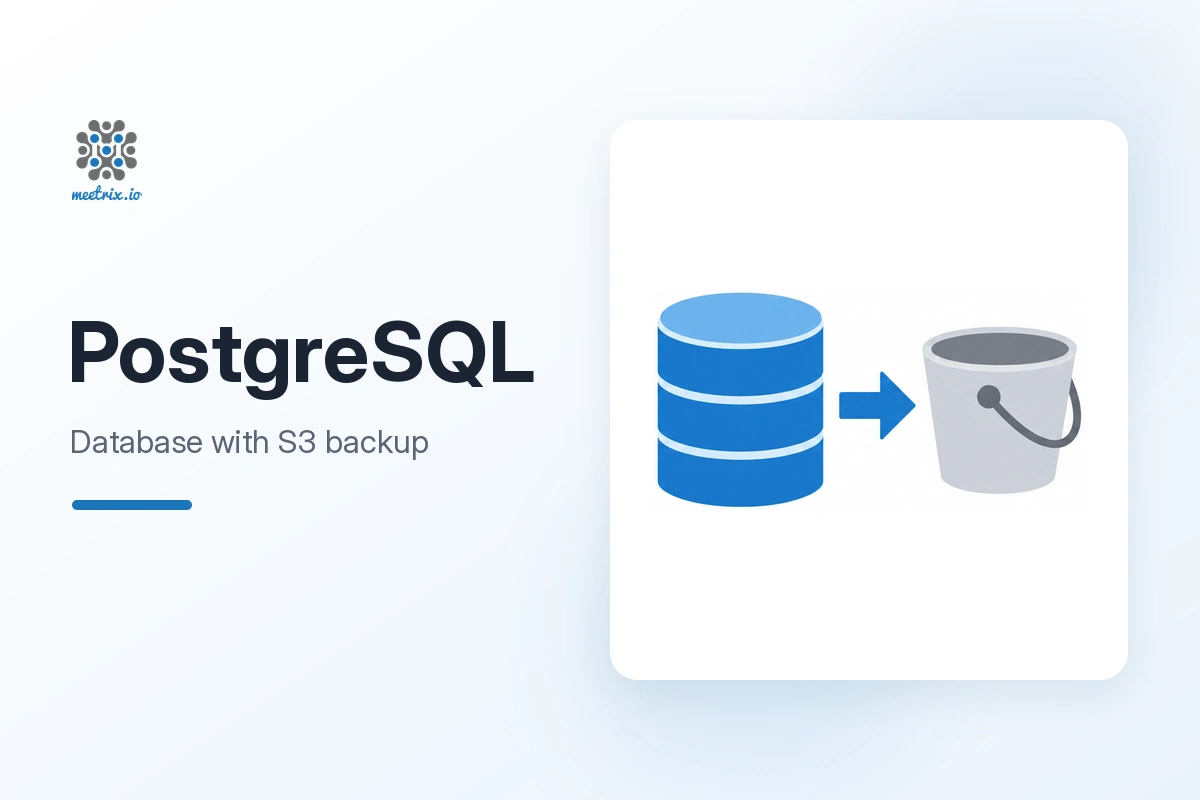
Self-hosted PostgreSQL with S3 backups on AWS

Run PostgreSQL on Ubuntu in your own AWS account, with your database, user and backups to Amazon S3 set up when the stack launches.

  • Ready in 5-10 minutes
  • Backups to S3
  • Runs in your own account
PostgreSQL with S3 backups on AWS by Meetrix

What is PostgreSQL?

PostgreSQL is a free, open-source object-relational database. It supports both relational (SQL) and JSON queries, which makes it a common choice for web applications and data-heavy services.

What's in the Meetrix PostgreSQL AMI

The AMI ships PostgreSQL configured from your stack parameters, with backups to S3 set up.

How to set up a self-hosted PostgreSQL server

  1. Create an S3 bucket

    Make an S3 bucket in your account for the database backups.

  2. Launch the stack

    Subscribe on AWS Marketplace and launch the stack with your database name, user, password and bucket.

  3. Restrict access

    Limit DatabaseSSHLocation and SSHLocation to your own IP ranges instead of 0.0.0.0/0.

  4. Connect

    After 5-10 minutes, connect to the PublicIp on port 5432 with your user and password, for example from pgAdmin.

Deploy on AWS

PostgreSQL server ports

Restrict both ports to the IP ranges that need them.

ServicePortsProtocol
PostgreSQL5432TCP
SSH (administration)22TCP

Server size: t3.small to start. Size the instance to your database and workload.

Video: deploy PostgreSQL on AWS

PostgreSQL FAQ

What is PostgreSQL?

A free, open-source object-relational database that supports both SQL and JSON queries.

How do I connect?

Use the PublicIp from the stack outputs as the host, port 5432, and the PostgresqlUser and PostgresqlPassword you set, for example in pgAdmin.

Where do backups go?

To the S3 bucket you name when creating the stack, inside your own AWS account.

Should I leave access open to 0.0.0.0/0?

No. Restrict the database and SSH source ranges to the addresses that need them.

Does self-hosting help with GDPR?

It lets you choose exactly which region your database and backups live in. You still need your own access controls and processing records.

Which instance size should I choose?

t3.small is the recommended starting point; size up with your data and workload.

How do I upgrade?

Back up your data, remove the old stack and launch the new version from AWS Marketplace.

PostgreSQL guides and articles

Need a hand with PostgreSQL?

We build and run self-hosted databases every day, from backup strategy to performance tuning. Tell us what you need.

Contact us