Open-source SQL dashboards

Self-hosted Redash dashboards on AWS and Google Cloud

Run Redash from a pre-configured image, connect it to your databases, and turn SQL queries into dashboards your whole team can read. Queries and results stay inside your own cloud account, with no per-seat licence.

  • Ready in 5-10 minutes
  • Runs in your own account
  • No per-seat fees
Redash dashboards deployed on AWS by Meetrix

What is Redash?

Redash is an open-source tool for querying data sources, visualising the results and sharing them as dashboards. Analysts write the SQL; everyone else opens the dashboard, filters it and reads it. It suits teams that want fast SQL-to-dashboard workflows without a heavyweight BI platform.

What's in the Meetrix Redash image

Redash needs PostgreSQL, Redis, worker processes and a web server before it can run a query. The marketplace image ships that stack ready to use.

How to set up a self-hosted Redash server

  1. Launch the server

    Subscribe on AWS Marketplace or Google Cloud Marketplace, enter your domain and admin email, and deploy. Allow 5-10 minutes for the stack to finish.

  2. Point your domain at it

    Create a DNS A record for your Redash domain with the server's public IP, so the certificate can be issued.

  3. Create the admin account

    Open the dashboard and complete the initial setup form with your admin account and organisation name.

  4. Connect data and invite your team

    Add data sources under Settings → Data Sources. Configure SMTP in the environment file, then invite teammates from Settings → Users.

Choose your cloud

Redash by Meetrix vs Looker vs Tableau

Redash by MeetrixLookerTableau
HostingYour AWS account or GCP projectGoogle's managed infrastructureTableau Cloud or an on-prem licence
Data controlQueries and results stay in your accountResults pass through Google's platformDepends on the deployment model
Pricing modelCloud compute only, no per-seat feePer-user, usually enterprise pricingPer-user licensing
SetupMinutes from the marketplaceDays to weeks, plus onboardingDays, plus licensing

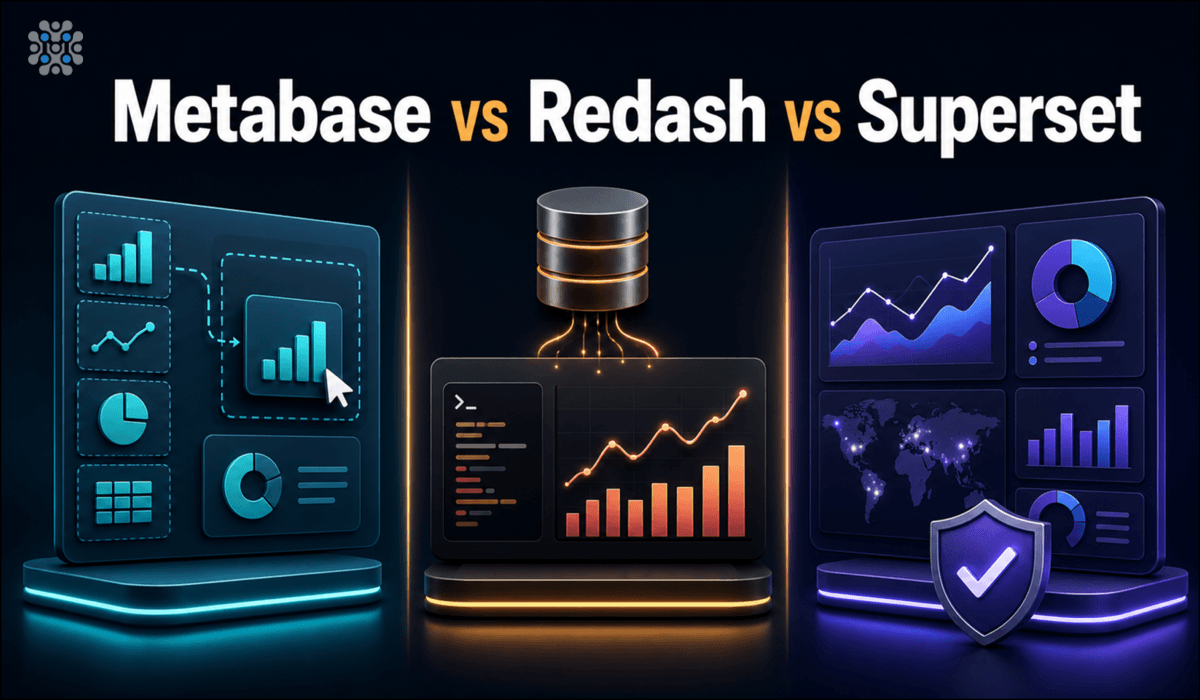
Comparing open-source BI tools instead? Read Metabase vs Redash vs Superset →

Video: deploy Redash on AWS

Redash FAQ

Which data sources can Redash connect to?

Most common SQL and NoSQL sources, including PostgreSQL, MySQL, BigQuery, Redshift, Databricks, MongoDB, Elasticsearch and Google Sheets. Add them under Settings → Data Sources with no redeployment.

Do I need to know SQL?

Whoever writes the queries does. Everyone else can open the dashboards, filter them and read them without touching SQL.

Is this Redash's hosted cloud plan?

No. It runs the open-source Redash stack inside your own AWS account or GCP project. There is no Redash Cloud or Databricks account involved.

How do I set up email and invite users?

SSH into the server, add your SMTP details to the environment file in /opt/redash, then restart with docker-compose down and docker-compose up -d. Invite teammates from Settings → Users.

Can I schedule queries and set alerts?

Yes. Any query can refresh on a schedule, and alerts can notify you by email, Slack, PagerDuty and other destinations when results meet a condition.

Which machine size should I choose?

t3.small on AWS, or e2-medium (2 vCPU, 4 GB RAM) with a 20 GB disk on Google Cloud. Choose a larger machine for heavy queries or many concurrent users.

How do I renew the SSL certificate?

Let's Encrypt certificates expire every 90 days. Re-run sudo bash /root/certificate_generate_standalone.sh on the server, or schedule it with cron.

Is Redash still maintained?

Yes, by its open-source community, though releases are slower than they were before Databricks acquired the project in 2020.

Redash guides and articles

Need a hand with your Redash server?

We build and run self-hosted data platforms for teams every day, from data source connections to scaling query workers. Tell us what you need.

Contact us