Open-source Slack alternative

Self-hosted Rocket.Chat server on AWS

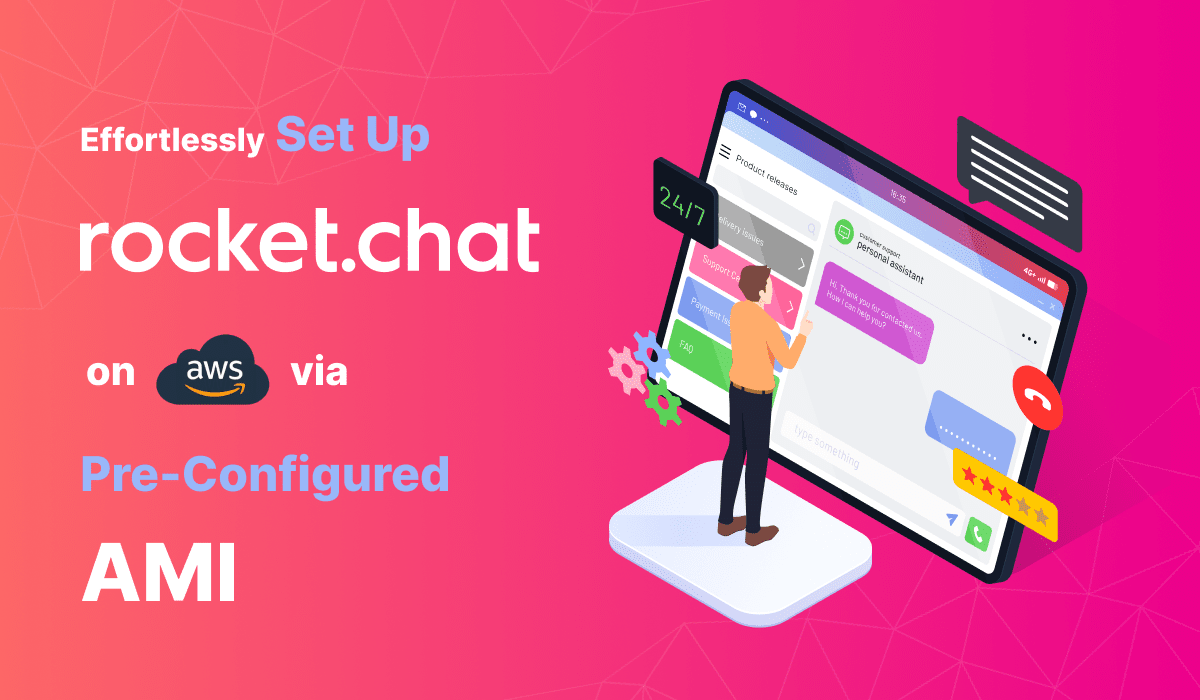
Run Rocket.Chat, the open-source platform for team messaging, calls and file sharing, from a pre-configured AMI in your own AWS account. Conversations stay on your infrastructure.

  • Ready in 5-10 minutes
  • MIT licensed
  • Runs in your own account
Rocket.Chat team chat server deployed on AWS by Meetrix

What is Rocket.Chat?

Rocket.Chat is an open-source communication platform with real-time messaging, audio and video conferencing and file sharing. Its Community edition is MIT licensed, and unlike most team chat tools it can also bring customer conversations from WhatsApp, SMS and live chat into the same place.

What's in the Meetrix Rocket.Chat AMI

Rocket.Chat runs on Node.js and MongoDB. The AMI installs and configures the stack for you.

How to set up a self-hosted Rocket.Chat server

  1. Launch the stack

    Subscribe on AWS Marketplace and launch the CloudFormation stack with your domain. Allow 5-10 minutes.

  2. Point your domain at it

    Create a DNS record in Route 53 with the PublicIp from the stack outputs.

  3. Open Rocket.Chat

    Go to the DashboardUrl and complete the setup wizard to create your workspace.

  4. Invite your team

    Create channels, invite members and connect any integrations you need.

Deploy on AWS

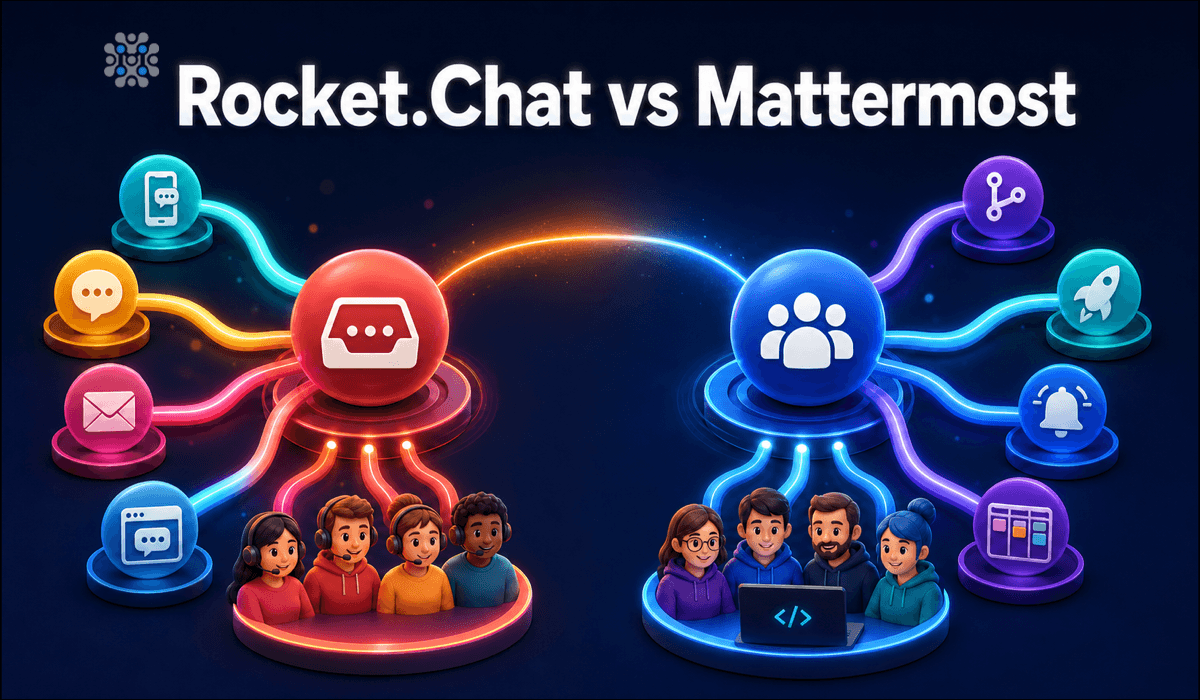
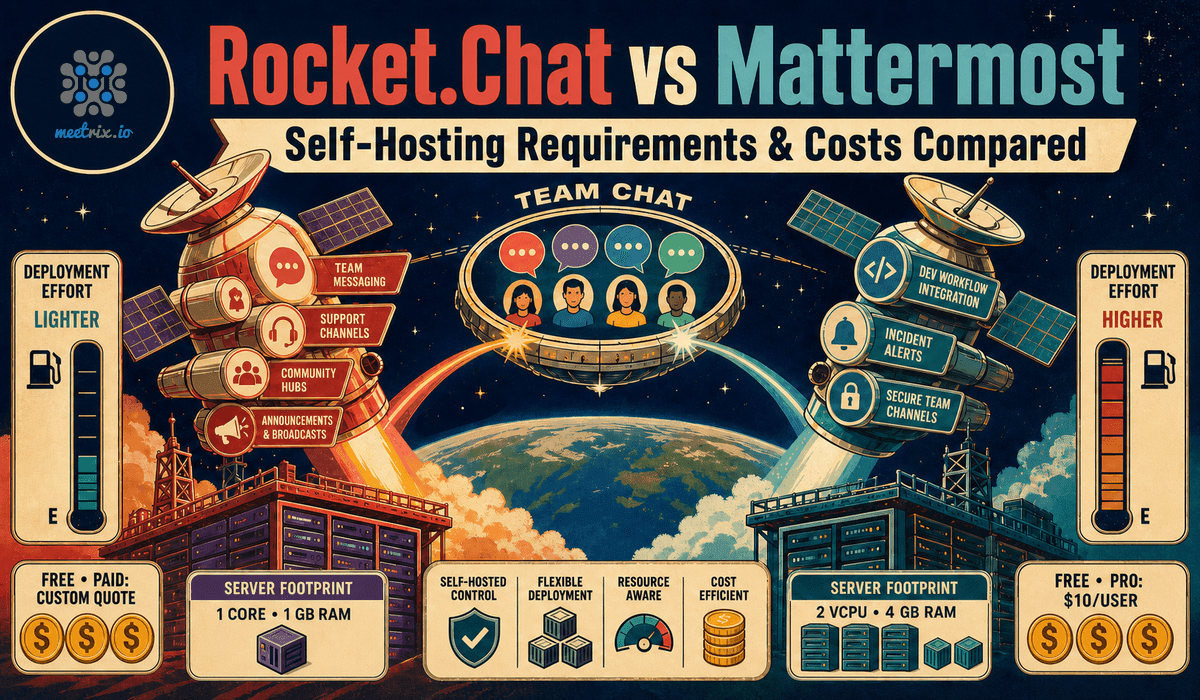
Rocket.Chat vs Mattermost

Rocket.ChatMattermost
Free edition licenceMIT (Community)MIT (Team Edition)
Omnichannel (WhatsApp, SMS, live chat)Built inNot available
StackNode.js, MongoDBGo, PostgreSQL or MySQL
Documented minimum1 core, 1 GB RAM1 vCPU, 2 GB RAM
Paid tiersCustom quoteCustom quote, annual per user

Rocket.Chat documents the Community edition for basic use with up to 100 concurrent users. Read Rocket.Chat vs Mattermost →

Video: deploy Rocket.Chat on AWS

Rocket.Chat FAQ

What is Rocket.Chat?

An open-source communication platform offering real-time messaging, audio and video conferencing and file sharing, with self-hosting and customisation built in.

Is self-hosted Rocket.Chat free?

The Community edition is MIT licensed with no per-seat fee, documented for basic use with up to 100 concurrent users. On AWS you pay for the instance and any Meetrix software fee shown on the listing.

Rocket.Chat or Mattermost?

Rocket.Chat if you also need customer-facing omnichannel support. Mattermost if you only need internal team chat with developer-focused integrations.

What server do I need?

t3.small is the recommended starting point. Rocket.Chat suggests 4+ vCPU and 8+ GB RAM once you pass about 500 concurrent users.

Can I use my own domain?

Yes. Point it at the server; SSL is set up automatically for Route 53 domains, or with the included script otherwise.

Does it have an API?

Yes. Rocket.Chat has a REST API for integrating with your own systems.

How do I upgrade?

Back up your server data, remove the old stack and launch the new version from AWS Marketplace.
Rocket.Chat guides and articles

Need a hand with Rocket.Chat?

We build and run self-hosted communication platforms every day, from team chat to omnichannel support. Tell us what you need.

Contact us