
Open-source learning platform

Self-hosted Moodle LMS on AWS

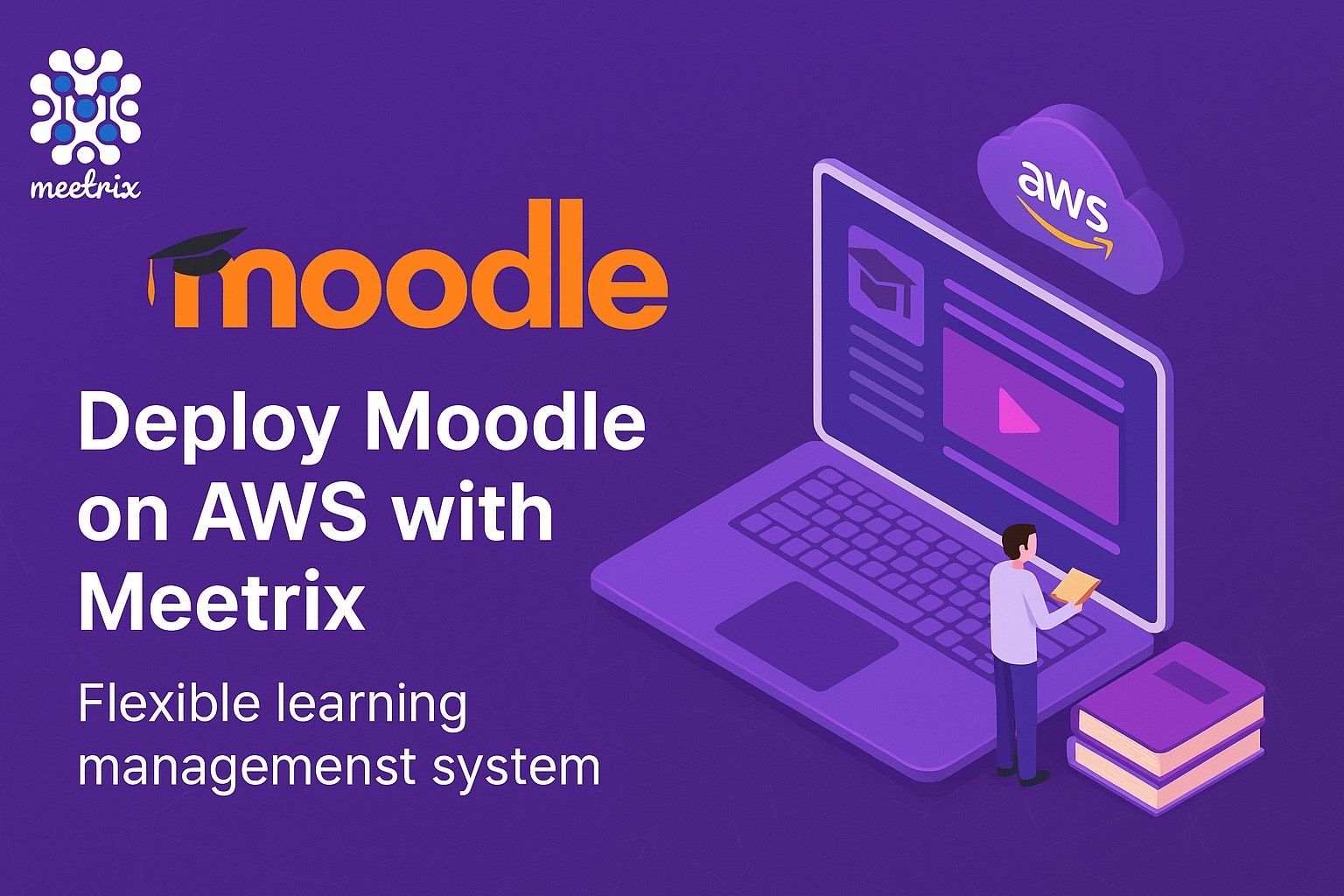
Run Moodle, the widely used open-source learning management system, from a pre-configured AMI in your own AWS account. Courses, learners and grades stay on infrastructure you control.

  • Ready in 5-10 minutes
  • GPLv3 licensed
  • Runs in your own account
Moodle LMS deployed on AWS by Meetrix

What is Moodle?

Moodle is a GPLv3 learning platform used by schools, universities and companies for classroom, blended and online learning. It runs on standard PHP hosting and has the largest plugin ecosystem of the open-source LMS options.

What's in the Meetrix Moodle AMI

The AMI ships Moodle on Apache with a temporary admin account, ready to configure.

How to set up a self-hosted Moodle site

  1. Launch the stack

    Subscribe on AWS Marketplace and launch the CloudFormation stack with your domain. Allow 5-10 minutes.

  2. Point your domain and add SSL

    Create a DNS record with the PublicIp, then SSH in and run sudo /opt/scripts/ssl.sh.

  3. Sign in and secure the admin

    Log in with the temporary admin credentials from the developer guide, change the password, and update the admin username and email.

  4. Set up your site

    Use Site administration to configure courses, users, appearance and plugins.

Deploy on AWS

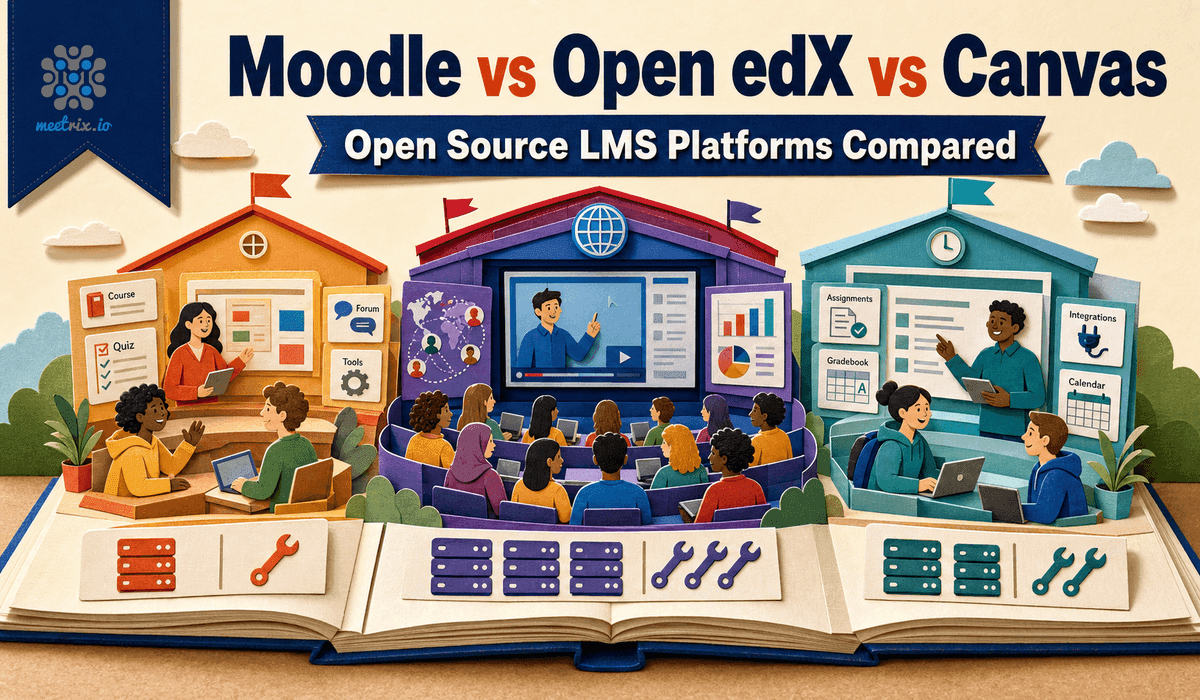
Moodle vs Open edX vs Canvas

MoodleOpen edXCanvas
LicenceGPLv3No licence feeAGPLv3, also sold commercially
Best fitClassroom and blended learningMOOC-scale programmesInstitutions wanting a modern UI
Self-hosting effortLow, standard PHP hostingHigh, 20+ containersHigh, resource and staff heavy
Plugin ecosystemLargest of the threexBlock-based, narrowerMostly commercial App Center

Moodle is the easiest of the three to run yourself. Read Moodle vs Open edX vs Canvas →

Video: deploy Moodle on AWS

Moodle FAQ

What is the default login?

The image ships a temporary admin account, listed in the developer guide. Moodle makes you change the password on first login; update the admin username and email in your profile too.

How do I set up SSL?

SSL is set up manually. Point DNS at the server, SSH in and run sudo /opt/scripts/ssl.sh, entering your admin email when asked.

Can I customise themes and plugins?

Yes. You have full admin access to install and configure themes, plugins and integrations.

Is Moodle mobile-friendly?

Yes. It has a responsive design and a dedicated mobile app for learners and teachers.

Can I add video classes?

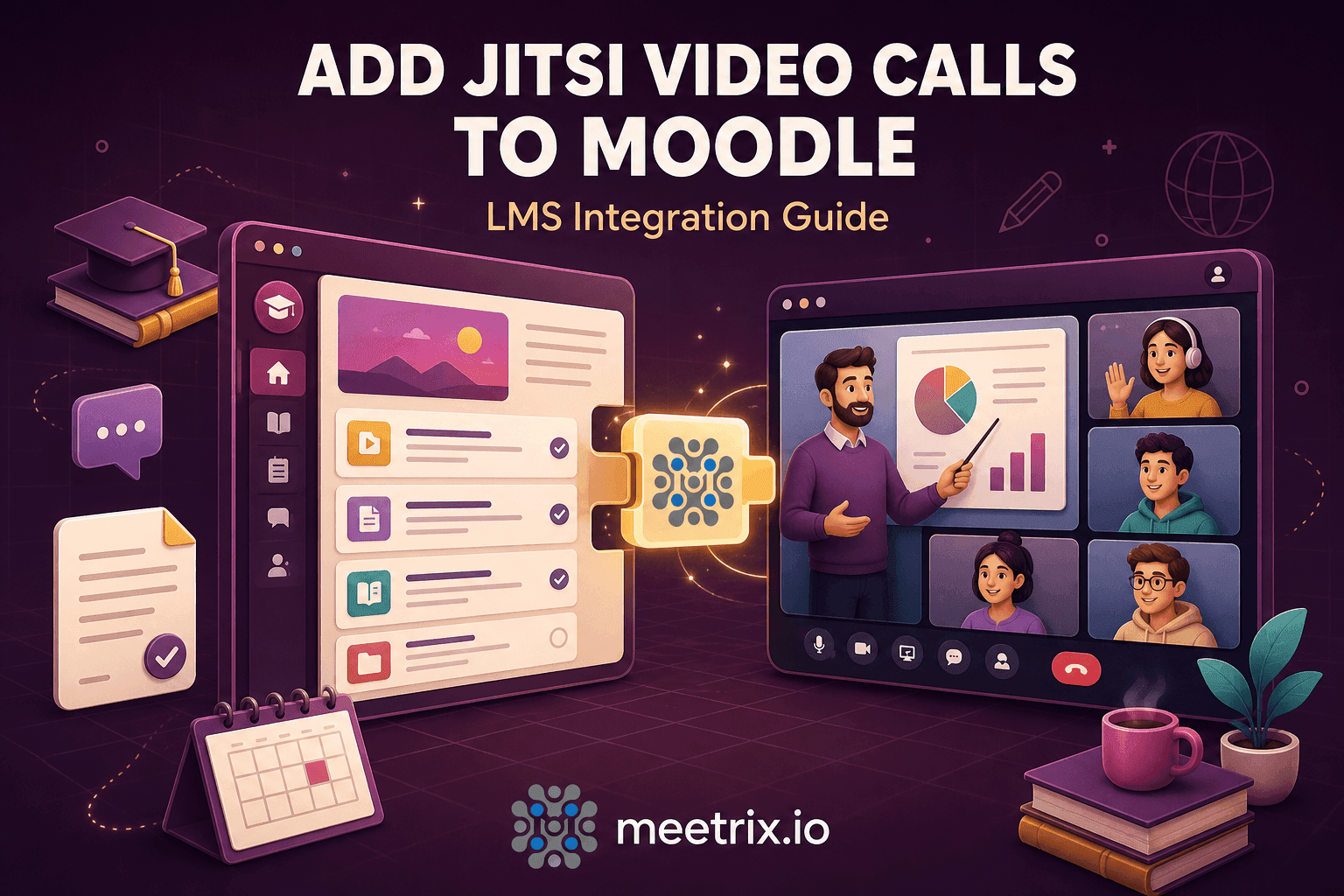
Yes. The official mod_jitsi plugin adds Jitsi Meet as a course activity; use your own Jitsi server for real classes.

Where are the error logs?

Moodle runs on Apache. SSH in and run sudo tail -f /var/log/apache2/error.log.

Which instance size should I choose?

t3.small is the recommended starting point. Scale up as learner numbers grow.

How do I upgrade?

Back up your server data, remove the old stack and launch the new version from AWS Marketplace.

Moodle guides and articles

Need a hand with Moodle?

We build and run self-hosted learning platforms every day, from plugins to Jitsi video classes. Tell us what you need.

Contact us