Open-source remote desktop

Self-hosted RustDesk server on AWS and Google Cloud

Run your own RustDesk ID and relay server from a pre-configured Ubuntu Server image. A free, open-source alternative to TeamViewer and AnyDesk, where remote desktop sessions are brokered by a server in your own cloud account.

  • Ready in 5-10 minutes
  • Runs in your own account
  • No per-seat licence
RustDesk remote desktop running on a self-hosted Ubuntu Server

What is RustDesk?

RustDesk is an open-source remote desktop application for remote access and remote support. It works like TeamViewer or AnyDesk: install the client, share a device ID and one-time password, and take control of the other screen. The difference is the server. RustDesk lets you host the ID and relay servers yourself, so your team does not depend on a third party's infrastructure or pay per technician.

What's in the Meetrix RustDesk image

Setting up a RustDesk server by hand means installing Docker, running hbbs and hbbr, managing keys and opening the right ports. The marketplace image does that for you.

How to set up a self-hosted RustDesk server

  1. Launch the server

    Subscribe on AWS Marketplace or Google Cloud Marketplace, pick a region and machine size, and deploy. The stack is ready in about 5-10 minutes.

  2. Give it a fixed address

    Make sure the server keeps the same public IP (on Google Cloud, reserve the external address) so saved clients keep working.

  3. Point each client at your server

    Install RustDesk, open Settings → Network → ID/Relay server and enter your server address. On Google Cloud, also paste the public key from /opt/rustdesk/data/id_ed25519.pub.

  4. Connect

    Type the other device's ID, click Connect and enter the one-time password shown on that device. No RustDesk account is needed.

Choose your cloud

RustDesk server ports and requirements

Allow these ports in your AWS security group or GCP firewall. If a client cannot connect, a closed port is the usual cause.

ServicePortsProtocol
hbbs (ID / rendezvous)21115, 21116, 21118TCP
hbbs (ID / rendezvous)21116UDP
hbbr (relay)21117, 21119TCP
SSH (administration)22TCP

Server size: t3a.micro on AWS or e2-small (2 vCPU, 2 GB RAM) on Google Cloud is enough for a small team. Choose a larger machine as concurrent sessions grow.

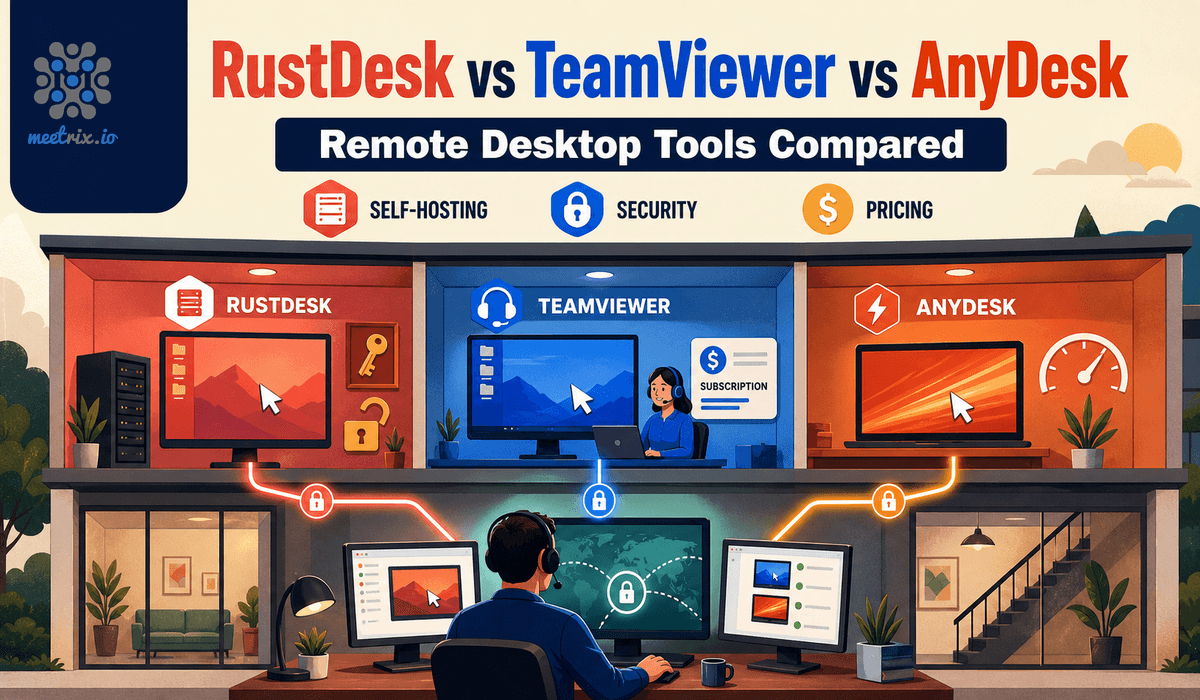
RustDesk vs TeamViewer vs AnyDesk

RustDeskTeamViewerAnyDesk
Self-hosted serverYes, freeNo, cloud onlyEnterprise tier only
Commercial useFree (open source)From $50.90/monthFrom about $17.52/month
Source codeOpen (AGPL)ClosedClosed
Where sessions are brokeredYour serverTeamViewer's serversAnyDesk's servers, unless On-Premises

Prices are published list prices for a single licensed user. Read the full RustDesk vs TeamViewer vs AnyDesk comparison →

Video: deploy RustDesk on AWS

RustDesk FAQ

What is RustDesk?

RustDesk is an open-source remote desktop application written in Rust. It lets you control another computer, transfer files and give remote support, much like TeamViewer or AnyDesk, but you can run the server that connects the devices yourself.

What does a self-hosted RustDesk server do?

It replaces the public RustDesk servers. The ID server (hbbs) registers each device and brokers connections, and the relay server (hbbr) carries the session when two devices cannot reach each other directly. With your own server, connection data stays on infrastructure you control.

Is RustDesk free for commercial use?

Yes. The RustDesk client and the open-source server are free under the AGPL licence, including for business use. RustDesk Server Pro is an optional paid product that adds centralised management, an address book, LDAP and SSO. On AWS or Google Cloud you pay for the server itself, plus any Meetrix software fee shown on the marketplace listing.

What are the RustDesk server requirements?

A small VM is enough for a small team: we recommend t3a.micro on AWS and e2-small (2 vCPU, 2 GB RAM) with a 20 GB disk on Google Cloud. Move to a larger machine type as the number of concurrent sessions grows.

Which ports does a RustDesk server need?

The ID server (hbbs) uses TCP 21115, 21116 and 21118 and UDP 21116. The relay server (hbbr) uses TCP 21117 and 21119. Open TCP 22 as well if you want to SSH into the server.

Do I need to create a RustDesk account?

No. Each device gets an ID and a one-time password, and you connect with those. Accounts and shared address books are features of RustDesk Server Pro, not the open-source server.

How do I connect the RustDesk client to my own server?

In the RustDesk client, open Settings → Network → ID/Relay server and enter your server IP. On Google Cloud, also enter it as the relay server and paste the server public key from /opt/rustdesk/data/id_ed25519.pub. Repeat this on every device that should use your server.

Is RustDesk a good TeamViewer or AnyDesk alternative?

For teams that want to own their remote access, yes. TeamViewer has no self-hosted option, and AnyDesk offers one only in its Enterprise tier. RustDesk gives you a free self-hosted server and open source code. Our RustDesk vs TeamViewer vs AnyDesk comparison covers pricing and features in detail.

RustDesk guides and articles

Need a hand with your RustDesk server?

We build and run self-hosted infrastructure for teams every day, from scaling to integrating RustDesk with your network. Tell us what you need.

Contact us