Every comparison of open source video conferencing software is the same list of features. Rooms, screen sharing, chat, whiteboard, recording. They all have them.
None of that decides anything.
What decides it is how the software moves video between people, and you commit to that the moment you pick a platform. Get it wrong and no amount of configuration afterwards saves you. So this is written from the server side: seven platforms you can host yourself, what each one does to your bandwidth bill, how much of a machine it expects to own, and where each one stops.
The short version
Jump to a section
Why the architecture decides everything
There are three ways to get video from one person to several. Everything below is a variation on one of them.
Peer to peer connects everyone directly to everyone else. Three people, three connections. Eight people, twenty eight connections, and each person is now uploading seven copies of their own camera. Lovely for a one to one call. Dead by about four participants on a normal home connection. Jami is the only tool here that works this way deliberately.
An SFU, a selective forwarding unit, puts a server in the middle. You upload one stream, the server copies it out to everyone else, and nothing is decoded or re-encoded on the way through.
That last part is the whole trick. Forwarding is cheap on CPU and expensive on bandwidth, so a modest instance carries a bigger room than you would guess while your egress quietly grows. Jitsi Videobridge, mediasoup, Janus, LiveKit are all SFUs, and between them they are the engine inside nearly everything in this article.
An MCU decodes every incoming stream, mixes them into one picture and sends one stream back out. Kind to client bandwidth, brutal on server CPU. It has largely fallen out of use for general conferencing and nothing here runs one by default.
Which is why "how many people can it handle" is a question about the media server, not the logo. Our WebRTC architecture explainer digs into the trade-offs properly, and how Jitsi is put together shows what an SFU deployment looks like once it is real.
The seven servers
Jitsi Meet
Apache 2.0, and the closest thing this field has to a default answer.
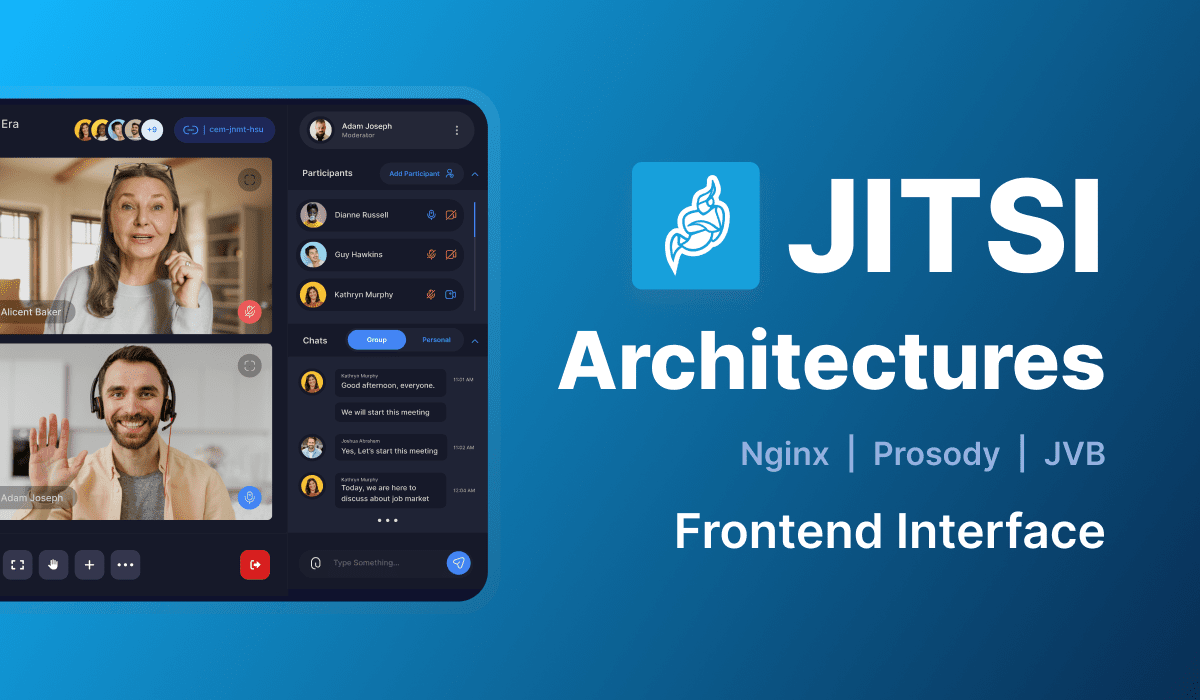
It is four services rather than one: a web frontend, Prosody for XMPP signalling, Jicofo to manage conferences, and the videobridge that actually shifts the media. Debian packages get you running on Ubuntu in roughly fifteen minutes, and the quickstart in the Jitsi handbook is the version to follow. The Docker Compose stack is the better route if you would rather not hand over the whole host.
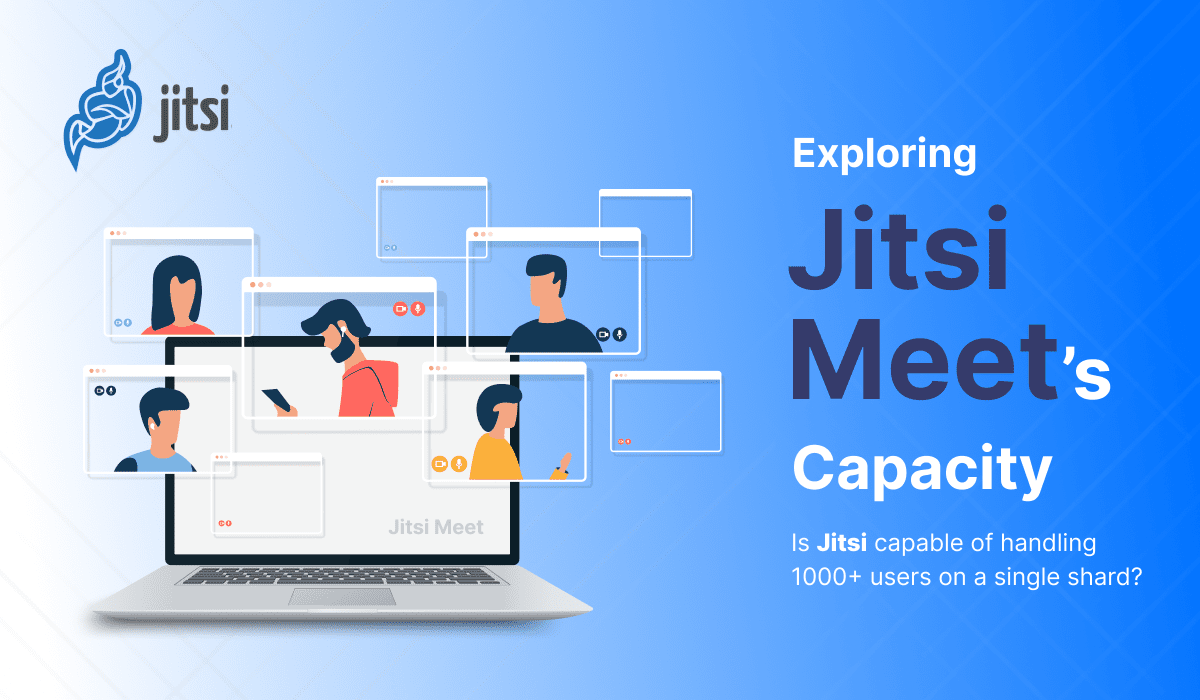
What is good: no accounts required, runs in any browser, and it embeds into other products cleanly through the iframe API. What is not: one videobridge is not a scaling plan. Jicofo moves a conference onto another bridge at around eighty participants by default, so a genuinely large meeting means several bridges with relay between them. We wrote up getting to a thousand users and the same problem on Kubernetes.
One thing to know before your first install. Media leaves on UDP 10000, and that port has to reach the bridge directly. When video does not show up, check that first, before you start reading logs or changing config. It is the single most common reason a fresh install has audio for two people and silence for three.
BigBlueButton
LGPL, and built for teaching rather than for meetings. That is not positioning, it shows in the product: a shared whiteboard over uploaded slides, breakout rooms, polls, shared notes, a hand raise queue, and recording that replays the session instead of handing you a video file. It speaks LTI, so Moodle and Canvas plug straight in. mediasoup does the media, and the BigBlueButton documentation is unusually good for a project this size.
Installation is a single script, and it is genuinely the easiest first run of anything here.
With one condition attached. It expects a clean, dedicated Ubuntu server, and the project states that as a requirement rather than a suggestion. Plan on giving it the whole machine.
Weighing it against Jitsi directly? We did that in a separate comparison.
Nextcloud Talk
AGPL, part of Nextcloud, and that is the whole argument for it. Calls sit next to your files, so you can start one from a document and share that document into it without leaving the page. If your organisation already runs Nextcloud, Talk is close to free to add.
Scale is where people get caught. Out of the box Talk uses Nextcloud's own signalling, which is fine for a few people and only a few. Past that you need the High Performance Backend, which is a separate standalone signalling server with Janus behind it. It is open source and the Talk admin documentation covers it. It is also a second deployment with its own requirements, and almost every complaint about Talk call quality traces back to someone who never installed it.
Standing up Nextcloud itself first? Our Nextcloud deployment guide covers that half.
plugNmeet
Open source, built on LiveKit, and aimed at a different job from everything else in this list. It assumes you already have an application and want conferencing inside it. The API comes first and the interface is simply one consumer of that API, which is the reverse of how the others are designed. Moodle and WordPress integrations exist, and the plugNmeet docs start from the API rather than the interface, which tells you what kind of project it is.
Right choice when you are putting calls inside a product you own and want rooms, permissions and lifecycle driven from your own backend. Wrong choice if what you actually want is a URL you can send to people.
Jami
GPL, maintained by Savoir-faire Linux, and the only genuine peer to peer entry here.
There is no server. Accounts are cryptographic identities that live on the device, peers find each other over a distributed hash table, and media goes directly between participants. Nothing anyone says passes through infrastructure that anybody operates, which is a different claim from "we host it ourselves" and worth treating as different.
The cost is scale and predictability. Group video works, but every participant's upload speed is a ceiling, and connectivity depends on NAT traversal succeeding with no server of yours to fall back on. Linux, Windows, macOS, Android, iOS, all covered in the Jami documentation. Use it for small groups where the absence of a server is the actual requirement rather than a nice line in a brochure.
Apache OpenMeetings
Apache 2.0, Java, and the veteran of the group. It ships more surface than most: whiteboard, file management, recording, polls, a scheduling calendar, LDAP. Kurento handles the media, and everything starts from the Apache OpenMeetings site.
Honestly though, development moves slowly next to Jitsi or BigBlueButton, and the stack is heavier to stand up because you are looking after Java, Kurento and a database instead of running one installer. It earns its place if you specifically want the scheduling and document handling built in, or if your team already runs Java services and this is familiar ground rather than a new thing to learn.
Element and Matrix
Element is a client for Matrix, an open federated protocol for real time communication, so self-hosting here means running a homeserver rather than a conferencing product. What you get back is more than video: encrypted messaging, spaces, federation with other Matrix servers, and calls built on a LiveKit SFU. Start at the Matrix documentation rather than at Element, because the protocol is the part you are committing to.
This is the heaviest deployment in the article. Wrong tool if video conferencing is all you need. Right tool if you are replacing Slack and Zoom in the same project and the messaging is the main event.
Also worth saying: Element stopped being called Riot in 2020. Any documentation still using the old name is six years stale, so check it against current docs before following it.
Side by side comparison
| Platform | Licence | Media architecture | Install path | Comfortable room size | Best fit |
|---|---|---|---|---|---|
| Jitsi Meet | Apache 2.0 | SFU (Jitsi Videobridge) | Debian packages or Docker Compose | Dozens per bridge, hundreds across several | General purpose rooms, embedding |
| BigBlueButton | LGPL | SFU (mediasoup) | Install script, dedicated server | Classroom sized, tens of active cameras | Teaching and training |
| Nextcloud Talk | AGPL | SFU (Janus, via the HPB) | Nextcloud app, plus HPB for scale | Small without HPB, dozens with it | Teams already on Nextcloud |
| plugNmeet | Open source | SFU (LiveKit) | Docker, driven by your own API calls | Dozens, LiveKit scales further | Conferencing inside your own product |
| Jami | GPL | Peer to peer, no server | Desktop and mobile apps only | A handful | Small groups, maximum privacy |
| Apache OpenMeetings | Apache 2.0 | Kurento media server | Java, Kurento and a database | Small to medium | Built in scheduling and documents |
| Element / Matrix | Apache 2.0 | SFU (LiveKit) over Matrix | Homeserver, client and SFU | Dozens | Messaging first, calls included |
What running one actually costs
The licence is free. The server is not, and the bill is not shaped the way most people expect it to be.
Bandwidth runs out before CPU does. An SFU forwards instead of transcoding, so each extra participant costs you egress far faster than it costs you processor. Ten people with cameras on means the server takes in ten streams and pushes out ninety. That curve is quadratic, which is why a room of fifty is not five times a room of ten. Simulcast and forwarding only the people currently being looked at take the edge off it. Neither changes the shape.
You need TURN as well. Some share of your users sit behind symmetric NAT or a corporate firewall that blocks the UDP ports WebRTC wants, and for those users the call does not degrade, it fails outright. Coturn is the standard answer. It is a separate service, and relayed media crosses it in both directions, so it carries a real bandwidth cost of its own. Concepts in STUN, TURN and ICE, setup in configuring a TURN server for Jitsi Meet.
Then the ports, which is where deployments actually die. Signalling is ordinary HTTPS on 443 and causes nobody any trouble. Media wants UDP and will not travel through a normal reverse proxy. That mismatch is behind most of the "works for two people, breaks for three" reports you will find in forums, and which ports Jitsi Meet needs open is worth reading before the install rather than after it.
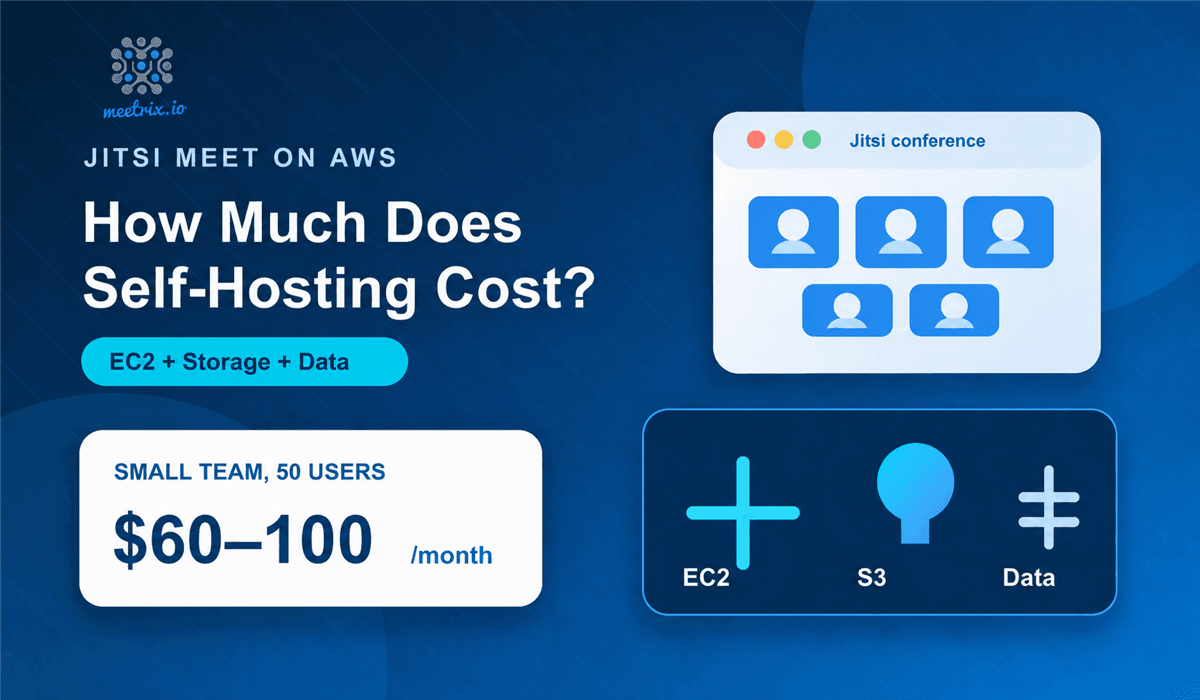
For instance sizes and monthly figures against a given room size, we broke that out separately in what self-hosting Jitsi Meet actually costs.
If you are building, not deploying
Plenty of people searching for video conferencing server software do not want a finished platform at all. They want the media layer and intend to build the interface themselves. None of the seven above is the right answer for that, and you should be looking one level down instead:
- LiveKit. Apache 2.0 SFU with client SDKs across web, mobile and server languages. It is the media backend inside both plugNmeet and Element Call, which tells you more about its maturity than any feature page would.
- mediasoup. A Node.js SFU library rather than an application. Low level, well documented, and what BigBlueButton runs on.
- Janus. Built around plugins, so it handles SIP gateways and streaming as well as conferencing. It is the SFU behind Nextcloud Talk's high performance backend.
- Jitsi Videobridge on its own, without the rest of the stack, if you want to keep the bridge and write your own signalling around it.
We compared these properly in open source WebRTC media servers, which is the better starting point if you are building rather than deploying.
Choosing one
Four questions get you there faster than any feature matrix.
How big is the biggest room you will actually run? Not the biggest you can imagine. Under five people, peer to peer is viable and Jami becomes interesting. Up to a few dozen, any SFU here does the job. Past a hundred you are designing a multi bridge deployment, and that points at Jitsi, which has the most worn path for it.
Is it a meeting or a class? If your answer involves slides, hand raising, breakout groups and attendance, BigBlueButton was built for exactly that and everything else is an imitation of it.
Does it need to live inside something else? Embedding into your own product points at plugNmeet or the Jitsi iframe API. Adding calls to an existing Nextcloud points at Talk. Replacing your chat platform at the same time points at Matrix.
And then the one people skip. Who runs this on the bad day? Self-hosting is not an install, it is TLS renewals, version upgrades, capacity when the company all hands lands on a single bridge, and somebody reachable when a call drops during something that matters. If nobody owns that, pay for a hosted plan. That is a legitimate engineering decision, not a surrender.
For most teams asking the general question, the answer is Jitsi Meet. Permissive licence, a well worn deployment path, a route out when you outgrow one bridge, and far more written down operational knowledge than anything else here for the moment something breaks at an awkward hour. The others win on specifics. Those specifics are real. They are still specifics.
Frequently Asked Questions
What is an open source video conference server?
It is the server side of a video calling system that you run yourself rather than renting from Zoom or Google. In practice it is a media server that receives each participant's audio and video and forwards it to everyone else, plus a signalling layer that handles who is in which room. Because the source is open you can read it, modify it, and run it on your own hardware with no per seat licence.
How many participants can a self-hosted video conferencing server handle?
That depends far more on the media architecture than on the software brand. A peer to peer tool like Jami is comfortable with a handful of people. An SFU such as Jitsi Videobridge or mediasoup handles dozens per room on a single machine, and Jicofo's default is to move a Jitsi conference to another bridge at around 80 participants. Past a few hundred you are running several bridges and relaying between them, which is a deployment design question rather than a setting.
Do I need a TURN server as well?
Almost always, yes. A minority of your users will sit behind symmetric NAT or a corporate firewall that blocks the UDP ports WebRTC wants, and for those users media has to be relayed over TURN or the call simply fails to connect. Coturn is the standard choice and it is a separate service you host alongside the conferencing server.
Is self-hosted video conferencing actually cheaper than Zoom?
It removes per seat licensing, which is where the saving comes from, but it replaces that with server cost, bandwidth cost and your own operational time. For a small team the maths often favours a hosted plan. For a few hundred regular users, or for anyone who needs the media to stay on their own infrastructure for compliance reasons, self-hosting usually wins.
Which open source video conferencing server is easiest to set up?
BigBlueButton, if you accept its constraint. Its installer script does the whole stack in one pass, but it expects a clean dedicated server and does not like sharing. Jitsi Meet is the easiest to fit into an existing environment because the Docker Compose route lets you bring up the four services without taking over the host.
Can I embed one of these into my own application?
Yes. Jitsi Meet has an iframe API that drops a full conference into a page with a few lines of JavaScript, and plugNmeet is designed from the start to be driven by an external application through its API. If you want to build the interface yourself rather than embed someone else's, you are looking at an SFU library like LiveKit or mediasoup instead of a finished platform.
Does open source video conferencing support end to end encryption?
Some of it does, with caveats. Jitsi Meet offers E2EE through browser insertable streams, which requires supported browsers and switches off anything that needs the server to see the media, including recording. Jami is end to end encrypted by design because there is no server in the middle. Matrix and Element treat encryption as a first class feature. Everything else encrypts in transit but decrypts at the server.
Jitsi Meet on AWS, Already Configured
A production ready Jitsi Meet image with the videobridge networking, TLS and TURN already handled, if you want the self-hosted result without spending a week on the ports.
Get Jitsi Meet on AWS Marketplace